

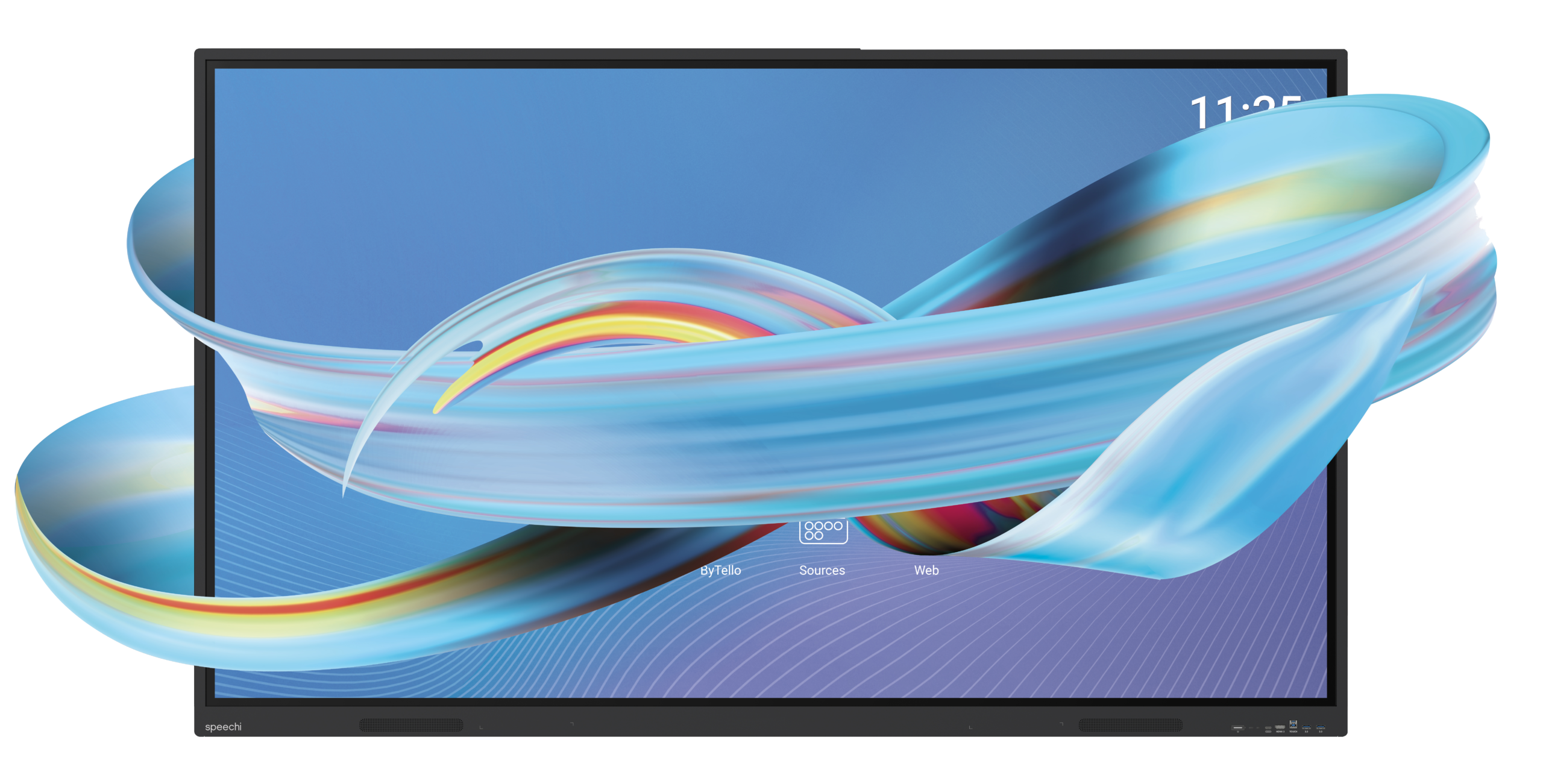
Essential SuperGlass
Reliable, intuitive, accessible
A comprehensive environment for teaching and collaboration

Android 14
EDLA

SuperGlass
High Precision

Resolution
UHD 4K

Storage
8GB RAM
64GB ROM

Speakers
2 x 16W (65”, 75”)
2 x 20W (86”)

Multi-users
40 touch points
.
SuperGlass Essential
Cutting-edge writing technology
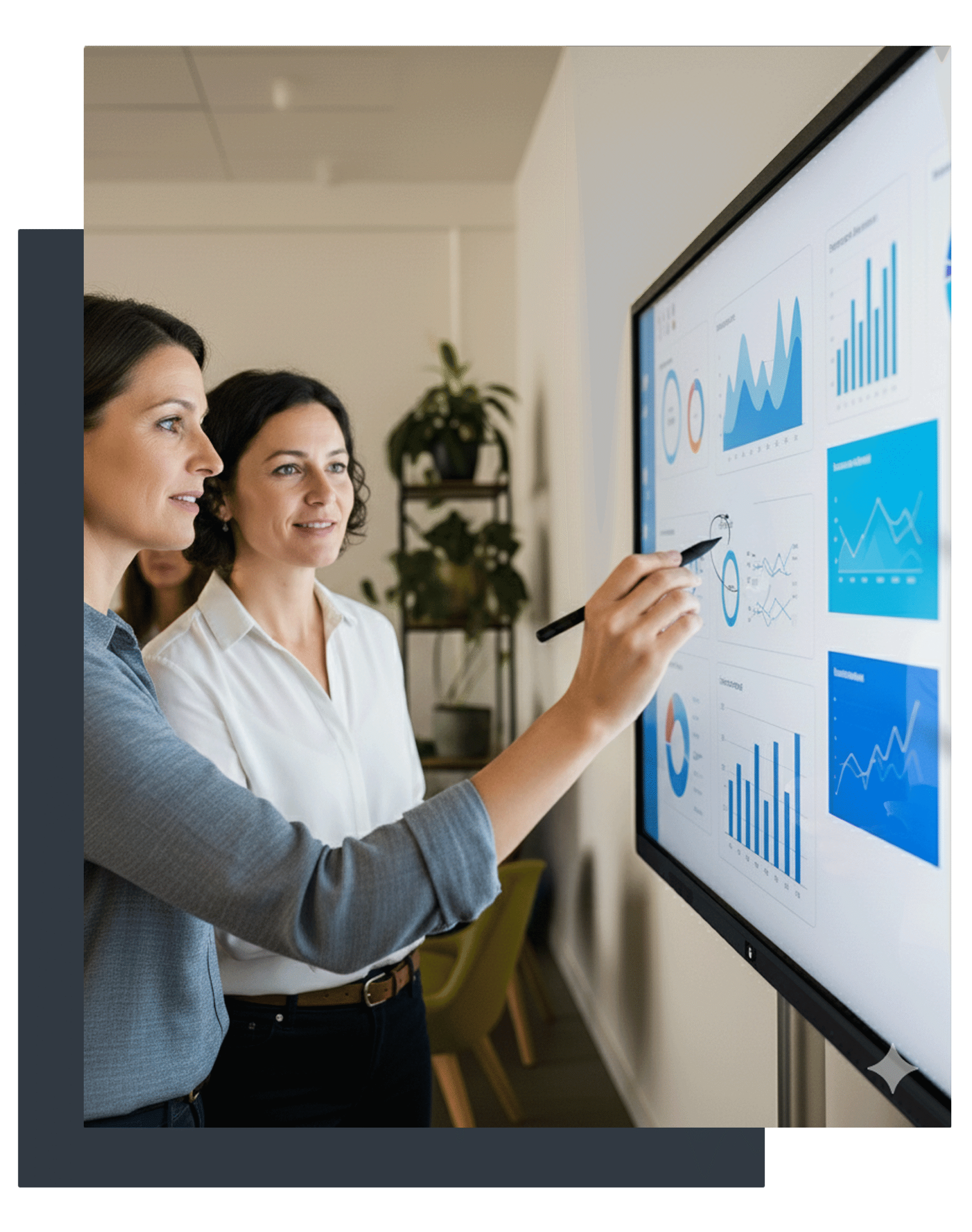
The SuperGlass screen is equipped with High Precision writing technology that detects every interaction with great sensitivity for an optimal experience and easy, comfortable handling of your screen.
-
Zero Bonding, zero lag
Write with the same precision as a pencil on paper.
-
Multi-User
Thanks to its ability to detect 40 simultaneous touch points, multiple users can write on the interactive display at the same time.
-
Palm rejection
Enjoy greater comfort and precision when writing by placing your palm on the screen.
Google EDLA
Google’s application suite on the display
The Essential interactive display interface has been designed to seamlessly integrate with the Google tools you are accustomed to working with
(written, voice or image)




Compatible with Speechi Connect
Customise your Essential
interactive display experience
Activating Speechi Connect on your fleet of interactive displays means remotely controlling your entire fleet (DMS), but it also allows each user to create their own workspace via a web application and access it on any interactive screen within your organisation.

Give employees a workspace that follows them from screen to screen: apps, files, preferences.


Rich and Intuitive Interface
Simplifying Your Practices
On the SuperGlass Essential interactive screen, combined with the Speechi Connect solution, enjoy a tailor-made workspace designed just for you. Take advantage of its many tools to teach, create, inspire your audience and work together.
Picture-in-Picture
Keep an application window open on top of another programme to juggle between multiple applications. For example, watch a video while having another application open, such as a whiteboard, to continue your lesson.
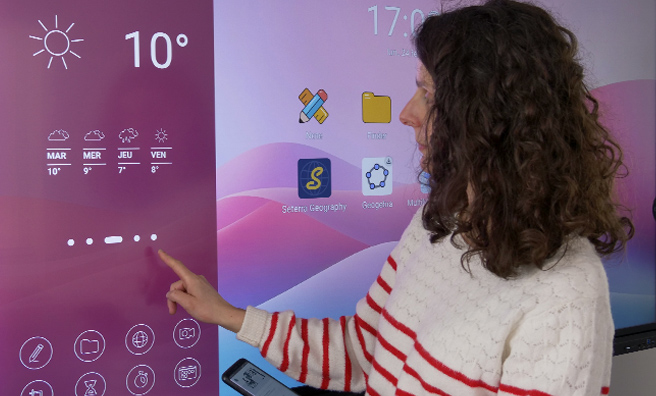
Customisable Tool Palette
With Speechi Connect, you can customise your sidebar with the tools you need: video and image capture, freeze, annotation, timer, stopwatch, and more. You can also find your shared files, calendar, and password vault there.

One-Click Video Conferencing
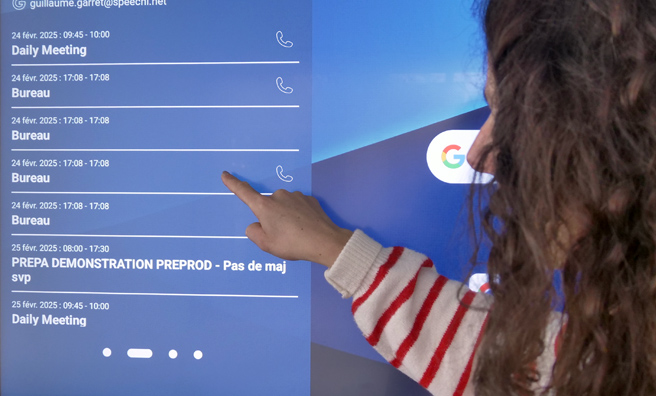
Synchronise your calendar with Speechi Connect to view your daily schedule on the interactive screen and launch your video conferences directly from your calendar with a single click (via the Windows interface).
Educational App Store
From your Connect application, select the applications you wish to integrate into your personal workspace. The Connect store offers a selection of practical and educational applications that are free and ad-free.
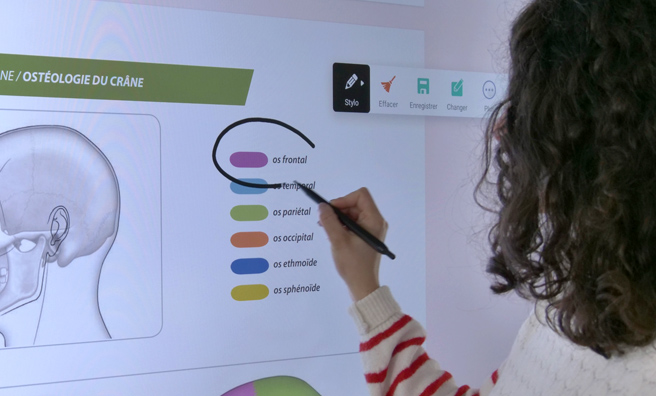
Automatic Note-Taking
Take notes at any time by simply placing the stylus on the interactive screen, erase with the edge or palm of your hand, and save your annotations.
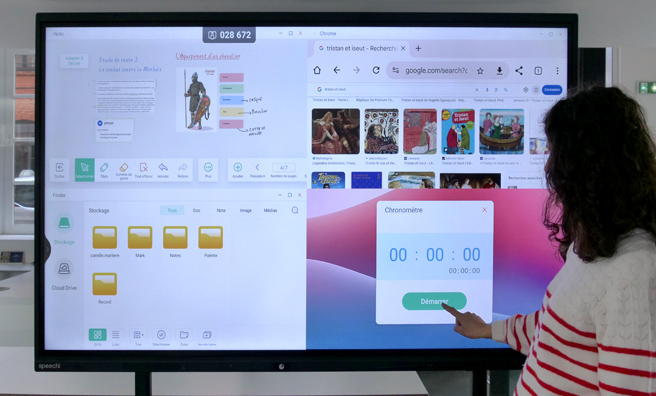
Multi-Windows
Organise your screen into 2, 3 or 4 windows to compare several applications. Display your whiteboard, a web page, an image folder and a video conference simultaneously – anything is possible.
Note Whiteboard
Unlock the full potential of your classes and meetings
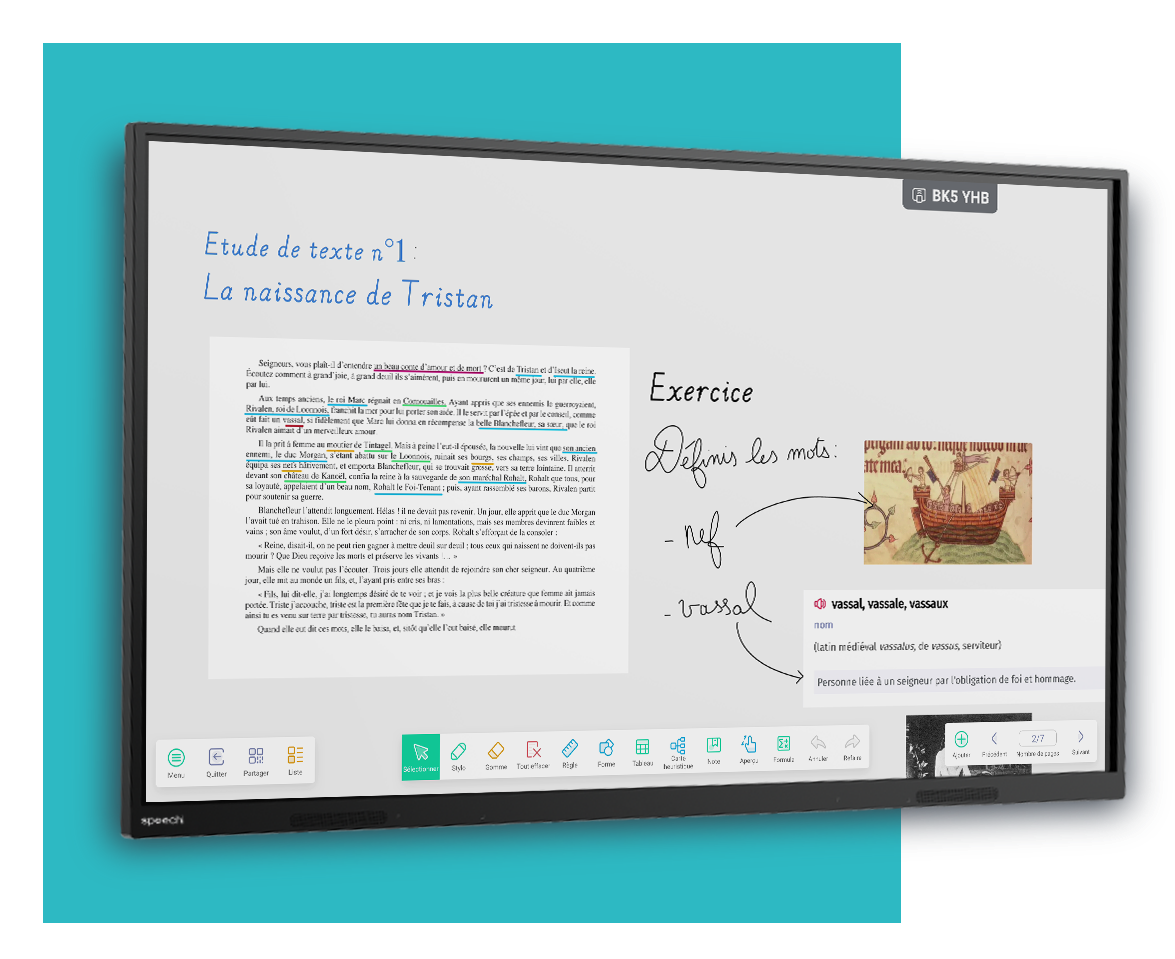
Watch your meetings take off and add an interactive dimension to your classes with Note, your digital whiteboard application.
-
Get your ideas onto the page
Write with one or more hands.
-
Diversify your resources
Import images, documents and videos.
-
Stay spontaneous
Draw freehand thanks to the handwriting and shape recognition.
-
Move easily from one subject to the next
Add as many slides as you like.
-
Share the board
By QR code or by conversion to PDF.

Bytello Share
Share your screen
Whatever device you are using – a PC, tablet or smartphone – launch Bytello Share and copy the code permanently displayed on the Essential interactive display.
Screen sharing will start and you will be able to control your device from the interactive display. Quick and easy.
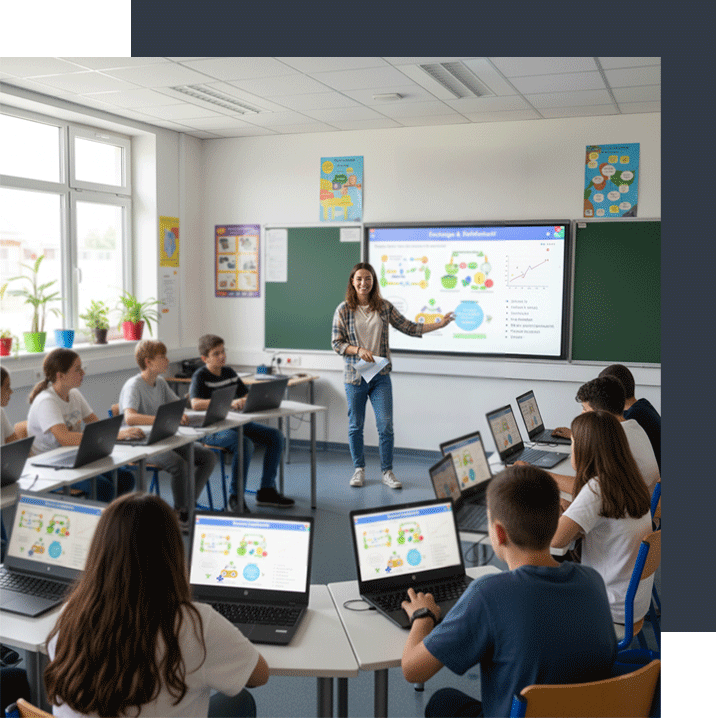
Certifications
Guaranteed Quality and Security
Nos écrans interactifs SuperGlass sont certifiés pour vous garantir une technologie de haute qualité, sécurisée et répondant aux normes des pays dans lesquels ils sont distribués.

Go further
Enhance Your Interactive Display
Discover our range of accessories to complement your SuperGlass Essential interactive touchscreen, equipping your classroom or meeting space with essential tools.
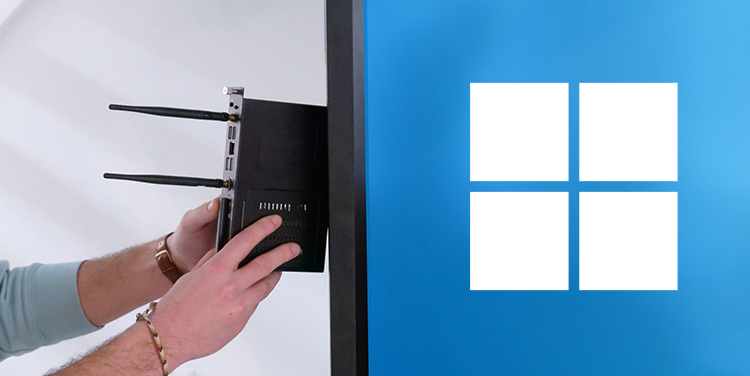
Embedded PC
Switch between the Android and Windows 11 environments with a single gesture and a simple change of source to work in the environment that suits you best.
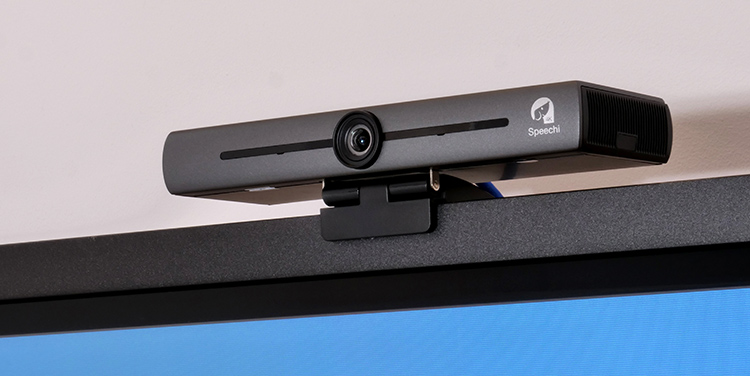
Cameras
Break down the barriers of remote working with a video conferencing camera that allows you to communicate with your colleagues remotely in high quality.
.
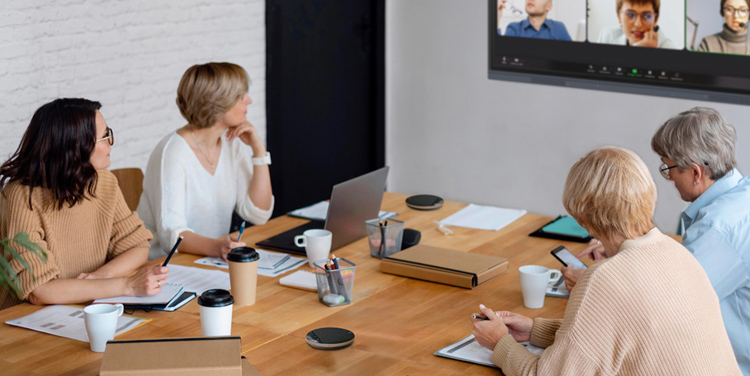
Audio
Discover our audio solutions for communicating with your remote colleagues as if they were right there with you, enjoying flawless sound quality.
Document cameras
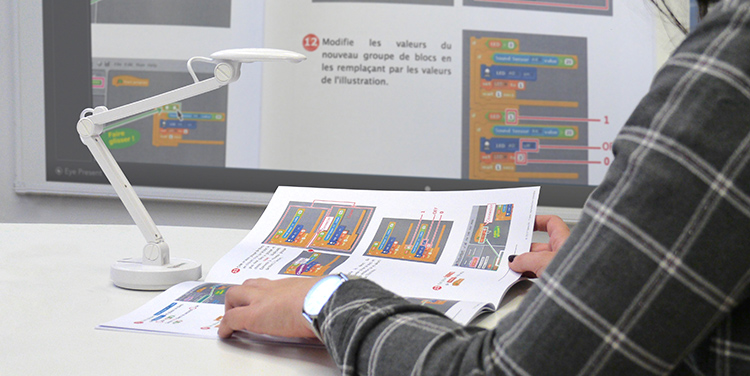
With our high-quality 4K cameras, share handouts, textbook pages or even scientific experiments with your class by projecting them live onto the interactive display.
BYOD/BYOM
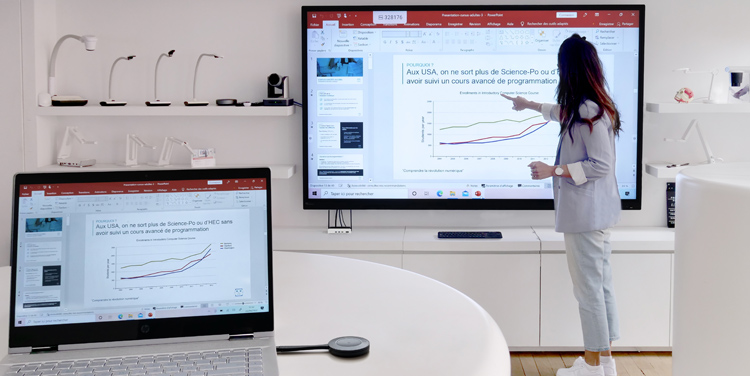
For easy, high-quality videoconferencing, discover our sharing solutions for simultaneously broadcasting content from one or more users on screen and connecting all your audiovisual equipment.
