Have you heard about BYOD accessories for businesses and want to understand how they can improve your working environment? Speechi helps you discover the differences between BYOD and BYOM, two approaches that are transforming professional collaboration and hybrid meetings. Although these acronyms are often confused, they refer to distinct ways of using digital equipment in the workplace.
BYOD (Bring Your Own Device) allows employees to use their personal devices for work, while BYOM (Bring Your Own Meeting) enables meeting participants to use their own laptops and preferred video conferencing platforms with compatible meeting room equipment. Both approaches can improve flexibility, simplify collaboration and make better use of existing technology.
Discover how these solutions work, their advantages and the essential factors to consider before introducing them into your organisation. Speechi also offers a selection of BYOM and BYOD accessories for meeting rooms designed to support modern working practices.
What is the difference between BYOD and BYOM?
BYOD and BYOM are two complementary approaches to workplace technology, but they serve different purposes. BYOD focuses on the devices employees use to perform their daily tasks, whereas BYOM focuses on how participants connect to and control the audiovisual equipment in a meeting room.
BYOD: Bring Your Own Device
BYOD stands for Bring Your Own Device. It refers to a workplace policy that allows employees to use personally owned devices, such as laptops, smartphones or tablets, for professional activities.
Instead of relying exclusively on company-issued equipment, employees can work with devices they already know. This familiarity may reduce the time needed to learn new interfaces and provide greater flexibility when working from home, travelling or moving between different offices.
For example, an employee might use their personal laptop to access approved business applications or a smartphone to communicate with colleagues. These activities must comply with the organisation’s security policies and access requirements.
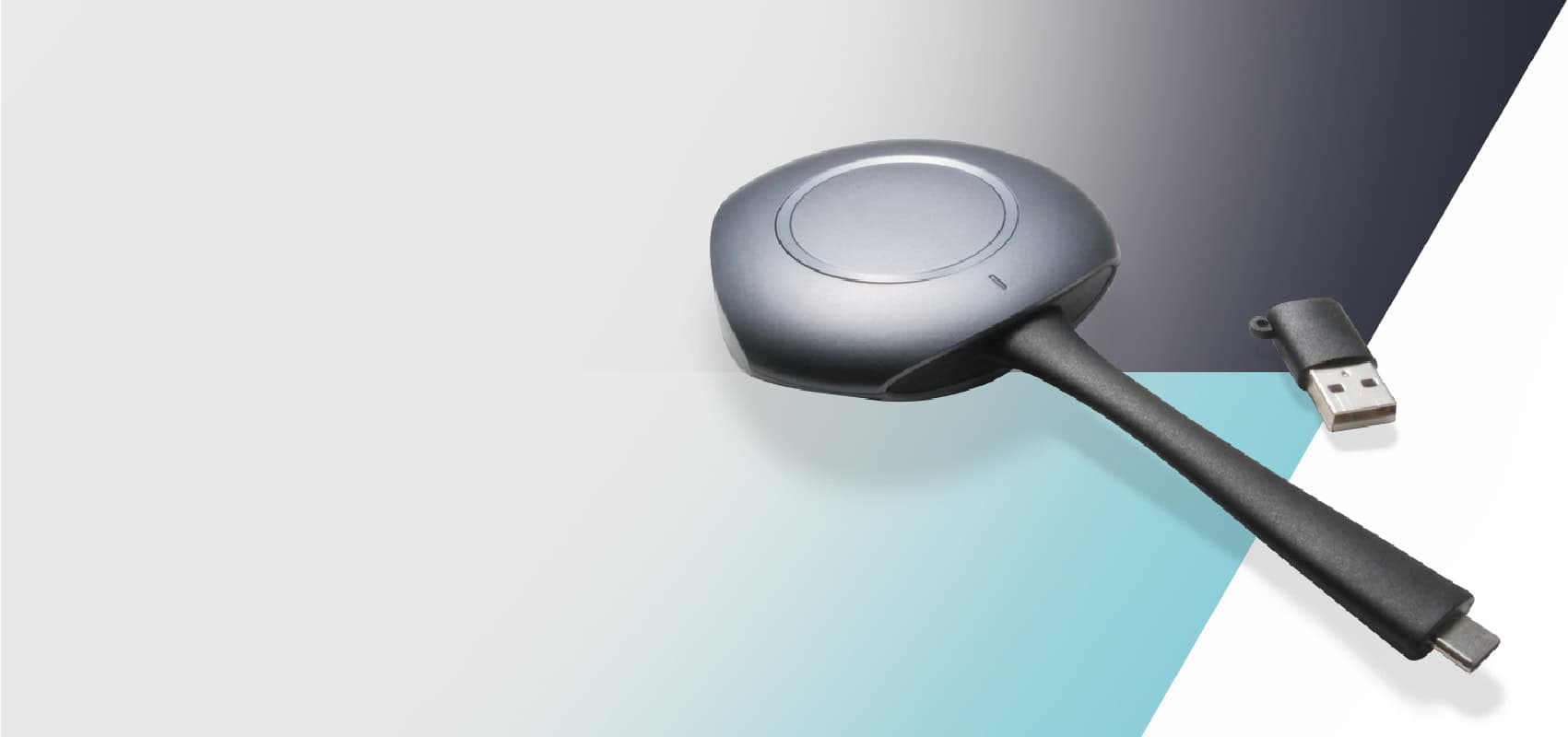
In meeting rooms, BYOD can also involve connecting a laptop or mobile device to an interactive display to share presentations, documents and other content. Compatible wireless presentation accessories can simplify this process by reducing the need for multiple cables and adapters.
BYOM: Bring Your Own Meeting
BYOM stands for Bring Your Own Meeting. This approach allows meeting participants to use their own laptop and preferred video conferencing application while accessing compatible audiovisual equipment installed in the meeting room.
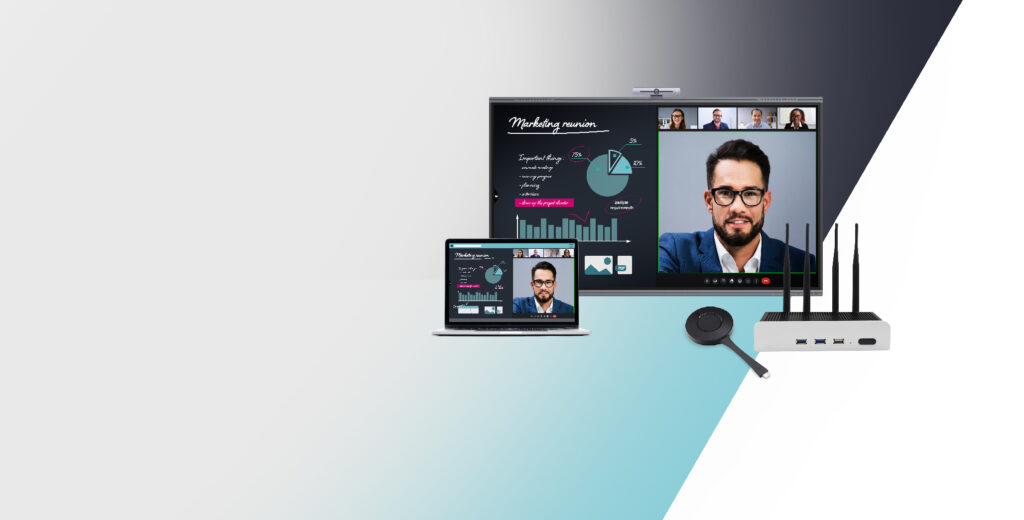
For example, an employee can enter a meeting room with their laptop, connect it to a suitable BYOM system and use the room’s camera, microphones, speakers and display for a Microsoft Teams, Zoom or Google Meet meeting.
The objective is to make hybrid meetings easier to organise without requiring participants to use a dedicated room computer or a single video conferencing platform.
Depending on the equipment, BYOM connectivity may be provided through USB, USB-C or a compatible wireless solution. Some systems combine video transmission with access to room peripherals, while others require separate connections.
The main difference is therefore straightforward: BYOD concerns the use of personal devices at work, while BYOM concerns the use of a participant’s own meeting application with shared meeting room equipment. A company can adopt either approach independently or combine them to create a more flexible working environment.
What are the benefits and challenges of BYOD for businesses?
BYOD can offer businesses greater flexibility, improved employee familiarity with digital tools and potential savings on equipment. However, allowing personal devices to access professional resources also creates important security, privacy and IT management challenges.
Greater flexibility and employee productivity
One of the main advantages of a BYOD policy is that employees can use devices they are comfortable with. Familiar operating systems, applications and interfaces may help them complete everyday tasks more efficiently.
This flexibility can be particularly useful for organisations with hybrid working arrangements. Employees can move between home, office and other authorised locations while continuing to use their preferred equipment.
BYOD may also reduce certain hardware purchasing costs, although these savings must be weighed against expenses relating to technical support, cybersecurity, software licensing and device management.
Simplified collaboration and content sharing
BYOD can make it easier for employees to share information during meetings and collaborative activities. With compatible presentation systems, participants can display documents, spreadsheets or presentations from their own laptops on a meeting room screen.
Wireless presentation accessories may help reduce connection difficulties, particularly in meeting rooms used by employees with different computer models and operating systems.
When combined with a large interactive touchscreen, these solutions can provide a shared visual workspace for presentations, discussions and collaborative activities. The available interaction features depend on the display, connection method and software being used.
Data security and GDPR compliance
Protecting company information is one of the most important considerations when implementing BYOD. Personal devices may contain both professional and private data, making it essential to establish clear rules for accessing, storing and sharing business information.
Organisations should consider appropriate security measures, including strong authentication, encryption, regular software updates and access controls. Depending on the company’s requirements, mobile device management (MDM) or mobile application management (MAM) solutions may help protect professional resources.
Businesses operating in the European Union must also consider their obligations under the General Data Protection Regulation (GDPR). A BYOD policy should define how personal data is processed, what monitoring is permitted and how professional information can be removed when an employee leaves the organisation.
Clear communication is essential. Employees should understand which devices are authorised, which security measures apply and how personal privacy is protected.
Why choose BYOM accessories for modern meeting rooms?
BYOM solutions can simplify hybrid meetings by allowing participants to use familiar video conferencing applications with the cameras, microphones, speakers and interactive displays already installed in a meeting room. This flexibility can help organisations accommodate different collaboration platforms without dedicating each room to a single application.
Making hybrid meetings easier to organise
Hybrid meetings bring together participants who are physically present in a meeting room and colleagues joining remotely. To communicate effectively, everyone needs access to clear audio, reliable video and shared content.
With a compatible BYOM system, an employee can connect their laptop to the room’s audiovisual equipment and launch a meeting using their preferred platform. This can reduce the need to learn a separate room interface or transfer meeting invitations between devices.
For example, a company may regularly organise Microsoft Teams meetings while also collaborating with clients who use Zoom or Google Meet. A suitable BYOM configuration can allow employees to use these different applications with the same meeting room peripherals, subject to compatibility.
Improving the use of meeting room equipment
Many modern meeting rooms contain high-quality cameras, microphones, speakers and large displays. Without an appropriate connection system, employees may struggle to use this equipment with their own laptops.
BYOM accessories can provide a practical link between personal or company laptops and shared audiovisual devices. Depending on the system, users may be able to access room peripherals through a wired connection or a compatible wireless interface.
This approach can help businesses make better use of their existing equipment while providing a consistent meeting experience across different collaboration platforms.
Supporting interactive collaboration
When combined with a compatible interactive touchscreen, BYOM solutions can support more engaging presentations and collaborative discussions.
Participants can display documents, review project plans and share visual information on a large screen. Depending on the connection method and software, interactive features may also allow users to annotate content or control applications directly from the touchscreen.
These capabilities can be particularly useful for project meetings, training sessions, brainstorming workshops and collaborative presentations involving both in-person and remote participants.
Choosing the right BYOM and BYOD accessories
Before selecting a BYOD or BYOM accessory, businesses should identify their main collaboration requirements. A solution designed primarily for wireless screen sharing may not provide the same functions as a BYOM system capable of connecting a laptop to room cameras, microphones and speakers.
Compatibility is a key consideration. Organisations should verify support for their computers, operating systems, video conferencing applications and existing meeting room equipment.
Connection methods should also be assessed. Some accessories use USB-C or HDMI, while others support wireless presentation or audiovisual peripheral sharing. The available functions, connection requirements and performance depend on the specific product.
For larger organisations, centralised device management, security features, software updates and technical support may also influence the choice of equipment.
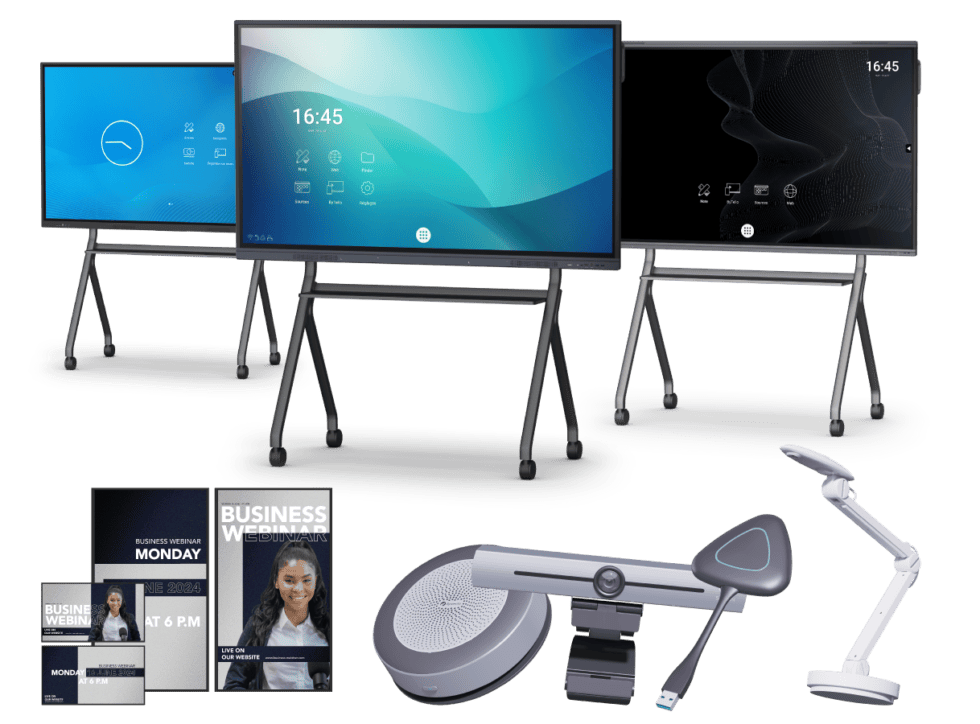
Speechi offers a range of BYOD and BYOM accessories for professional meeting rooms designed to facilitate content sharing and collaborative working. Comparing their technical specifications and supported features can help businesses choose equipment suited to their existing infrastructure.
Whether you want to simplify wireless presentations, improve hybrid meetings or connect employees’ laptops to shared audiovisual equipment, BYOD and BYOM solutions can help create a more flexible and efficient workplace.
Explore the Speechi selection of BYOM and BYOD accessories for meeting rooms in our online shop. Discover the available solutions, compare their features and choose the equipment that best meets your organisation’s collaboration needs.
Reduce repetition around BYOD and BYOMStrengthen the conversion-focused closing