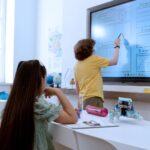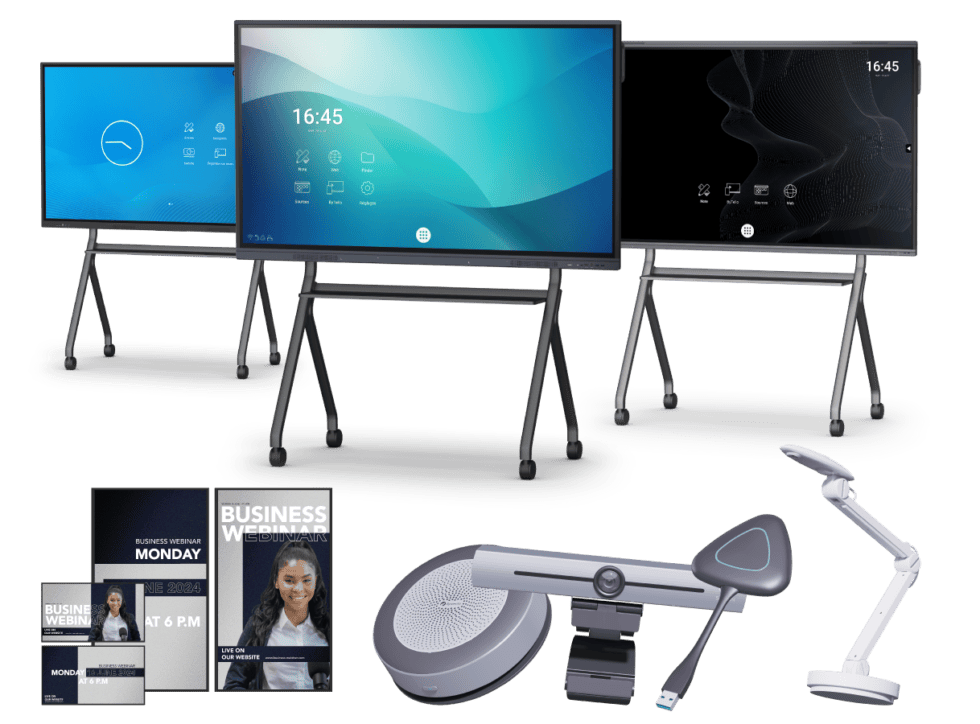
Are you a teacher or headteacher looking for interactive whiteboards and collaborative learning tools for your school? Collaborative software and digital tools for education help pupils work together, share ideas and develop essential communication and problem-solving skills. By integrating these technologies into everyday teaching, schools can create more interactive learning environments that encourage participation, creativity and teamwork.
Speechi offers interactive digital displays and collaborative solutions designed to support modern teaching practices. Whether you’re teaching primary or secondary school pupils, discover how collaborative learning software can enhance classroom activities, facilitate group projects and help teachers make the most of educational technology.

Why is collaborative learning important in schools?
Collaborative learning encourages pupils to work towards shared objectives while developing communication, cooperation and critical thinking skills. By participating in group activities, children learn to listen to different perspectives, share responsibilities and contribute to collective decisions. These experiences can strengthen their confidence and help them become more independent learners.
Working together on classroom projects also provides opportunities to develop problem-solving skills. When pupils discuss different approaches to an exercise or challenge, they can compare ideas, explain their reasoning and explore alternative solutions. This exchange of knowledge encourages creativity and helps pupils develop a deeper understanding of the subjects they are studying.
However, introducing collaborative work into the classroom can present challenges. Some pupils may be reluctant to participate in group discussions, while others may dominate activities. Teachers must also consider differences in learning abilities, digital confidence and access to equipment. Creating an inclusive environment requires clear instructions, well-defined responsibilities and suitable educational resources.
This is where collaborative software and digital tools for schools can make a difference. Interactive whiteboards, shared digital workspaces and interactive projection and communication tools allow pupils to contribute to activities in different ways. Teachers can display shared documents, organise brainstorming sessions and encourage pupils to participate directly in lessons.
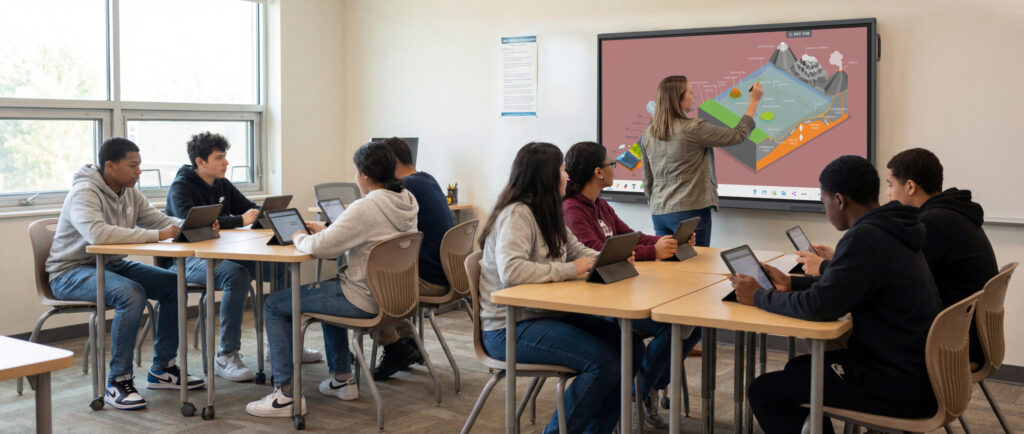
For example, an interactive digital display can be used to present a group exercise while pupils contribute answers, annotate diagrams or organise information on the screen. These activities make learning more visual and participatory, helping teachers involve pupils who might otherwise be less confident about speaking in front of the class.
By combining appropriate teaching methods with interactive whiteboards and collaborative learning solutions, schools can support knowledge sharing and encourage pupils to take a more active role in their education.
What features should collaborative software for schools offer?
Choosing the right collaborative software for education involves considering ease of use, compatibility, data security and the ability to support different teaching activities. A well-designed digital learning tool should be accessible to both teachers and pupils, allowing them to focus on educational objectives rather than technical difficulties.
An intuitive interface is particularly important in primary and secondary education. Pupils should be able to navigate menus, access shared resources and contribute to activities without needing extensive technical knowledge. Teachers also benefit from straightforward controls that make it easier to prepare lessons, display content and manage classroom interactions.
Compatibility with different devices is another essential consideration. Depending on the software, collaborative learning platforms may be accessible from computers, tablets, smartphones and interactive digital displays. This flexibility allows pupils to work together in the classroom and, where appropriate, continue certain activities remotely. Schools should verify that the selected tools are compatible with their existing equipment and operating systems.
Data protection must also be a priority. Educational establishments handle personal information relating to pupils and staff, making it essential to choose solutions with appropriate security measures, access controls and privacy settings. Schools should ensure that collaborative platforms comply with applicable data protection requirements, including the UK GDPR where relevant.
Communication and content-sharing features can further improve the learning experience. Depending on the platform, useful functions may include shared documents, digital whiteboards, collaborative annotations, discussion spaces and the ability to save group work. These features help pupils exchange ideas, organise information and develop projects together.
Customisation is equally valuable. Teachers should be able to adapt activities to different age groups, subjects and learning objectives. For example, a collaborative tool used for a Year 2 reading exercise may require a simpler interface than one used for a secondary school science project. Flexible settings and accessible resources make it easier to accommodate different classroom requirements.
When selecting collaborative learning tools for interactive whiteboards, it is also worth considering multi-touch functionality, handwriting recognition and compatibility with educational applications. Speechi interactive displays can provide a shared digital workspace where teachers and pupils interact directly with lesson content, supporting more engaging and collaborative classroom activities.
How can Speechi collaborative tools improve classroom learning?
Collaborative digital tools can be integrated into a wide range of educational activities, from group projects and brainstorming sessions to interactive exercises and multimedia presentations. Their flexibility allows teachers to adapt lessons to different subjects while encouraging pupils to participate actively in the learning process.
During group projects, pupils can use shared digital resources to collect information, organise their ideas and prepare presentations. Collaborative software can help them divide tasks, compare research findings and work towards common objectives. These activities develop organisational skills and encourage pupils to take responsibility for their contributions.
Interactive whiteboards are particularly useful for classroom brainstorming. Teachers can display a central question or topic and invite pupils to contribute suggestions directly on the touchscreen. Ideas can then be grouped, annotated and discussed collectively, helping the class visualise connections between different concepts.
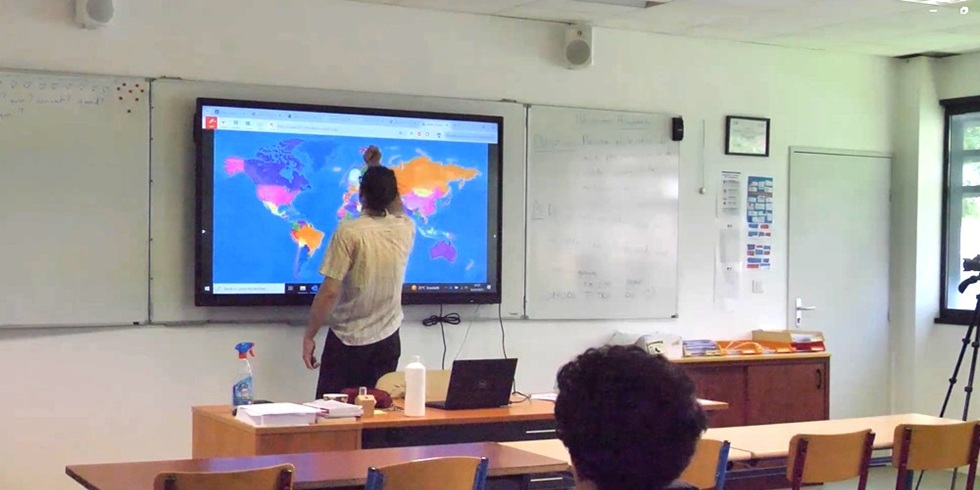
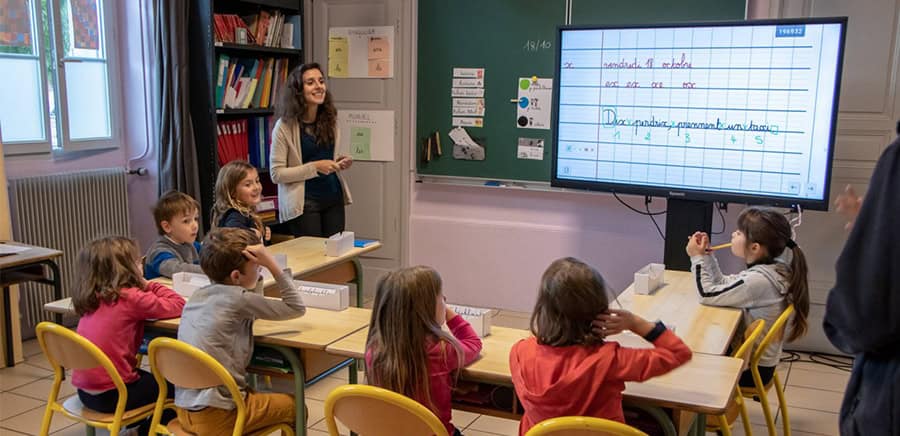
In mathematics lessons, pupils can work together to solve equations, complete diagrams or explain different calculation methods. During science activities, interactive displays can be used to explore illustrations, analyse experimental results and compare observations. In language lessons, collaborative tools can support vocabulary exercises, reading comprehension and group writing activities.
Digital collaboration can also extend beyond the physical classroom. When schools use compatible online platforms, pupils may be able to contribute to shared documents, exchange feedback and continue group assignments remotely. This can be particularly useful for homework projects, blended learning and activities involving pupils from different classes.
For teachers, the ability to save annotations, display multimedia content and revisit previous activities can simplify lesson preparation and follow-up. Rather than relying exclusively on traditional teaching materials, educators can combine interactive exercises with established classroom methods to create a more varied learning experience.
Speechi supports the integration of collaborative technology in education through its range of interactive digital displays and associated solutions. These tools can help schools introduce digital whiteboarding, interactive presentations and shared learning activities into their everyday teaching practices.
Successful implementation also depends on teacher confidence and familiarity with the equipment. Access to technical guidance, training resources and appropriate support can help educational staff understand the available features and use them effectively. Schools should therefore consider both the technology itself and the assistance available when choosing their collaborative learning solutions.
Investing in collaborative software and interactive tools for schools can help create a more engaging, inclusive and participatory educational environment. By encouraging teamwork, facilitating knowledge sharing and supporting interactive teaching methods, these technologies provide valuable opportunities for pupils and teachers alike.
Explore the range of Speechi interactive whiteboards, touchscreen displays and collaborative educational tools in our online shop. Discover solutions suited to primary and secondary schools and find the equipment that best meets your classroom requirements, teaching objectives and budget.
Make the opening more SEO-focusedAdd a clear school-focused call to action