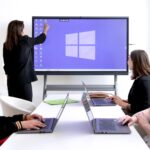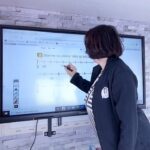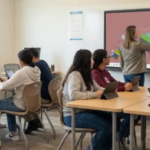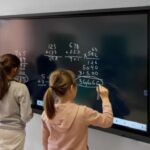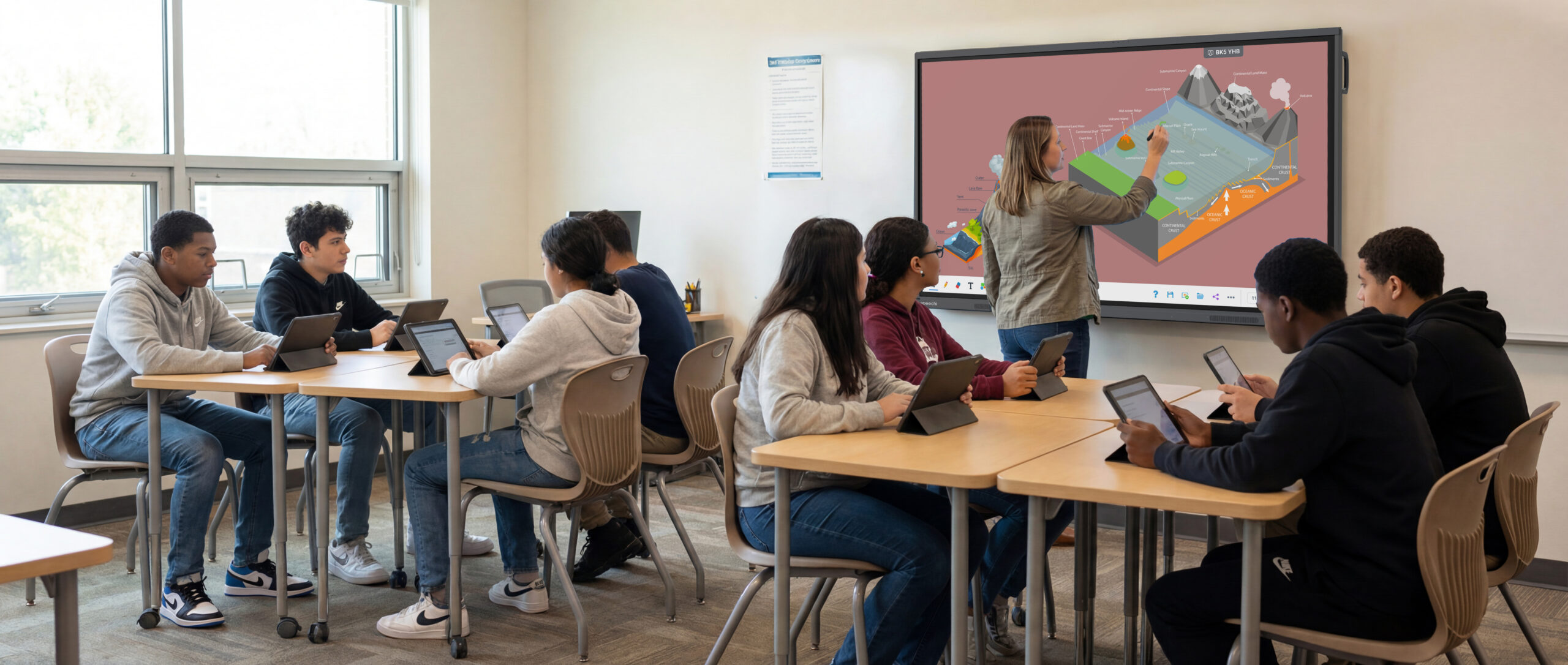
An interactive touchscreen for secondary schools provides teachers with a versatile digital teaching tool that can make lessons more engaging, collaborative and efficient. Whether in lower or upper secondary education, Speechi interactive displays can be used across a wide range of subjects, including mathematics, science, languages, history, geography and technology.
Many pupils are already familiar with interactive technology from primary school. In secondary education, these digital tools can support more advanced learning activities, from solving mathematical problems to analysing historical documents and exploring scientific simulations. For example, an interactive touchscreen for maths lessons allows teachers to create diagrams, annotate exercises and demonstrate geometric concepts directly on the screen.
More broadly, an interactive touchscreen for science and humanities lessons provides access to multimedia resources, collaborative whiteboarding tools and subject-specific educational applications. When connected to a compatible computer, the display can function as a large touch-enabled interface, allowing teachers to interact with supported software directly from the screen.
Speechi interactive touchscreens combine the familiar functions of a traditional whiteboard with the advantages of digital technology. Teachers can write, draw, display documents, annotate content and save their work using compatible applications. These features help create a more flexible teaching environment while encouraging pupils to participate actively in lessons.
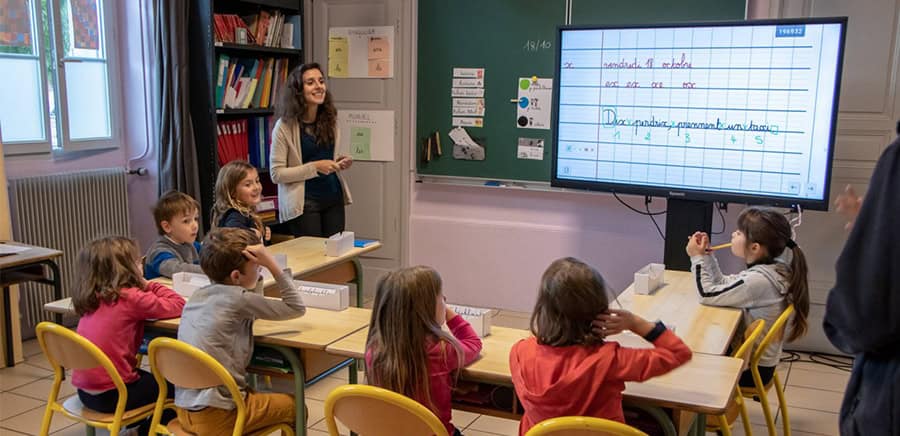
How do Speechi interactive touchscreens work in secondary schools?
A Speechi interactive touchscreen for secondary education combines a high-resolution display, touch technology and digital teaching software to support classroom activities. Teachers can use it as an interactive whiteboard, display content from a connected computer or access compatible educational applications through the screen’s integrated operating system.
Unlike a conventional projector and whiteboard combination, an interactive touchscreen integrates the display and touch-sensitive surface into a single device. Teachers can interact directly with the content using their fingers or compatible digital pens, depending on the model. This makes it easier to navigate documents, annotate presentations and manipulate educational resources.
When connected to a computer with the appropriate video and touch connections, the interactive display can act as a large touch-enabled monitor. This allows teachers to use compatible desktop applications, including presentation software, web browsers, digital whiteboards and specialised educational programmes.
Software compatibility is particularly important in secondary schools, where each subject has its own teaching requirements. Mathematics teachers may use dynamic geometry applications, while science teachers can explore simulations, diagrams and experimental data. Language teachers can display texts, audio recordings and interactive exercises, while history and geography teachers can examine maps and archive documents.
For example, during a history or geography lesson using an interactive touchscreen, teachers can display digital maps, zoom in on particular regions and annotate important geographical features. Pupils can compare different sources, discuss their observations and participate in collective analysis.
In physics and chemistry, interactive displays can help teachers illustrate scientific concepts through videos, animations and compatible simulation software. Pupils can observe how different variables influence a physical process or examine molecular structures using digital models.
Interactive touchscreens can also support collaborative learning. Depending on the software and connectivity options, teachers may display work from pupils’ computers or tablets, organise group activities and encourage learners to present their findings to the class.
Another advantage is the ability to save teaching materials. With compatible whiteboarding applications, teachers can preserve annotations, diagrams and exercises created during lessons. These resources can then be reused, modified or shared through an approved digital learning environment.
Installing interactive touchscreens in secondary school classrooms can also simplify access to digital teaching resources. When equipment is permanently installed, teachers can begin lessons without having to move or set up a separate display each time. This is particularly useful in schools where different teachers use the same classroom throughout the day.
Fixed wall-mounted installations can provide a practical solution for classrooms with a permanent teaching area. However, mobile interactive displays may also be appropriate when schools need to share equipment between suitable rooms. The best installation method depends on available space, accessibility, transport routes and the stability of the mounting equipment.

Why use an interactive touchscreen in lower and upper secondary education?
Interactive touchscreens offer numerous advantages for secondary school teachers, including efficient lesson preparation, precise digital drawing tools, reusable teaching resources and flexible content organisation. Their interactive features can also encourage pupils to participate in discussions, solve problems and develop their reasoning skills.
Saving time during lessons and classroom preparation
One of the main benefits of an interactive touchscreen is the convenience of having digital teaching tools available in a single device. Teachers can access presentations, documents, diagrams and online resources without repeatedly switching between separate pieces of equipment.
Depending on the model and configuration, interactive displays can start quickly and provide direct access to frequently used applications. Some models may also include automatic wake-up or presence-detection features, reducing the need for manual adjustments before a lesson begins.
During lessons, teachers can create notes, modify diagrams and annotate documents using compatible whiteboarding software. Instead of erasing the board to make room for new information, they can add pages, duplicate content or save completed exercises.
These materials can be revisited during subsequent lessons or shared with pupils through an approved virtual learning environment. This can support revision and help learners who need to review explanations at their own pace.
Creating precise diagrams, graphs and geometric shapes
Interactive touchscreens are particularly useful for subjects that require accurate diagrams and visual demonstrations. With suitable digital whiteboarding software, teachers can draw lines, create geometric shapes and annotate graphs directly on the display.
Some applications include shape-recognition tools that convert freehand drawings into regular geometric figures. For example, a roughly drawn circle may be transformed into a precise shape, while straight lines, rectangles and other figures can be adjusted as required.
In mathematics, compatible applications such as GeoGebra allow teachers to explore geometry, algebra and mathematical relationships dynamically. Pupils can observe how changing the dimensions of a shape affects its properties or how modifying an equation changes its graphical representation.
Virtual rulers, protractors, compasses and other drawing tools may also be available through educational software. These resources can complement traditional instruments and help teachers demonstrate geometric constructions clearly.
Digital drawing features are equally useful in science, technology and geography. Teachers can illustrate electrical circuits, mechanical systems, geographical diagrams and experimental results while encouraging pupils to explain the relationships between different elements.
Preparing structured and reusable teaching materials
Interactive whiteboarding applications can provide access to templates and backgrounds designed for different educational activities. Depending on the software, teachers may be able to display graph paper, writing guides, tables, grids, musical staves and other structured resources.
These templates can simplify lesson preparation by reducing the need to recreate the same materials repeatedly. For example, mathematics teachers can use graph-paper backgrounds for plotting functions, while music teachers can display staves for notation exercises.
Teachers can also create personalised resources and save them for future lessons. This allows them to adapt existing materials, incorporate new examples and develop collections of exercises suited to their pupils’ needs.
When supported by the school’s digital infrastructure, resources can be shared between colleagues. This may help departments coordinate teaching materials, exchange effective activities and maintain consistency across different classes.
Organising lesson content more clearly
Unlike a traditional whiteboard with a limited writing surface, an interactive touchscreen can provide access to multiple digital pages through compatible whiteboarding software. Teachers can organise explanations into separate sections, preserve previous work and return to earlier examples whenever necessary.
For example, during a mathematics lesson, a teacher can dedicate one page to explaining a formula, another to demonstrating an example and a third to a collaborative exercise. Pupils can follow the progression of the lesson without losing access to earlier explanations.
Digital content can also be reorganised, duplicated or modified. Teachers may gradually reveal information, hide unnecessary details and focus pupils’ attention on the most relevant concepts.
These features can be particularly useful when teaching complex subjects that require several stages of explanation. By presenting information progressively, teachers can help pupils understand relationships between concepts and revisit previous steps when needed.
Encouraging participation and collaborative learning
Interactive touchscreens can encourage pupils to become active participants in their learning. Teachers can invite students to solve problems, annotate documents, complete diagrams or present their findings directly on the screen.
Depending on the display and software, multi-touch functionality may allow several pupils to interact with the screen simultaneously. This can support collaborative exercises in mathematics, science, languages and other subjects.
Interactive quizzes, shared whiteboards and group presentations can also encourage participation. Teachers can use these activities to assess understanding, identify misconceptions and adapt explanations to the class’s needs.
By combining visual demonstrations with discussion and practical exercises, interactive displays can support different teaching approaches while helping pupils develop communication, reasoning and teamwork skills.
How to choose a Speechi interactive touchscreen for secondary schools
Choosing an interactive touchscreen for secondary education requires careful consideration of screen size, display quality, touch accuracy, software compatibility and installation options. The most suitable model depends on the classroom layout, the number of pupils and the subjects being taught.
Screen size is an important starting point. A 65-inch interactive display may be suitable for smaller classrooms, while 75-inch and 86-inch models can provide improved visibility in larger teaching spaces. The appropriate dimensions depend on viewing distance, classroom organisation and the complexity of the materials displayed.
A 4K UHD interactive touchscreen can provide sharp text and detailed images, making it easier to display mathematical diagrams, scientific illustrations, historical documents and multimedia resources. Brightness, viewing angles and anti-glare features should also be considered, particularly in classrooms with substantial natural light.
Touch responsiveness and digital writing accuracy are especially important for teachers who frequently annotate documents or create diagrams. Depending on the model and software, multi-touch functionality can support collaborative activities involving several pupils.
Software compatibility is another essential consideration. Secondary school teachers may need access to specialised applications for mathematics, science, geography, languages or technology. Schools should verify that the selected interactive display supports the required software through its integrated operating system or a compatible connected computer.
Connectivity options such as HDMI, USB and USB-C can facilitate the integration of classroom computers and other digital equipment. Depending on the Speechi model, an Android-based operating system or an optional Windows OPS computer may provide additional flexibility for accessing educational applications.
Installation requirements should also be assessed. A fixed wall-mounted display may be appropriate for classrooms where the equipment will remain permanently available, while a compatible mobile stand can offer greater flexibility when screens need to be moved between suitable teaching spaces.
Speechi offers a range of interactive touchscreen displays for lower and upper secondary schools, with different screen sizes and technical configurations. Comparing display resolution, touch technology, connectivity, software support and installation options can help educational establishments choose equipment suited to their teaching requirements.
Whether you want to make mathematics more interactive, explore scientific simulations or encourage collaborative activities, a Speechi interactive touchscreen for secondary schools can provide a versatile addition to your classroom.
Discover the Speechi range of interactive whiteboards and touchscreen displays for secondary education in our online shop. Compare available models, explore their technical specifications and contact the Speechi team for personalised advice on choosing the right digital teaching equipment for your school.
Reduce repetition and tighten paragraphsAdd a stronger secondary-school introduction