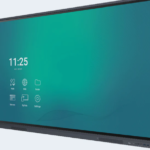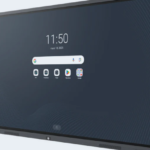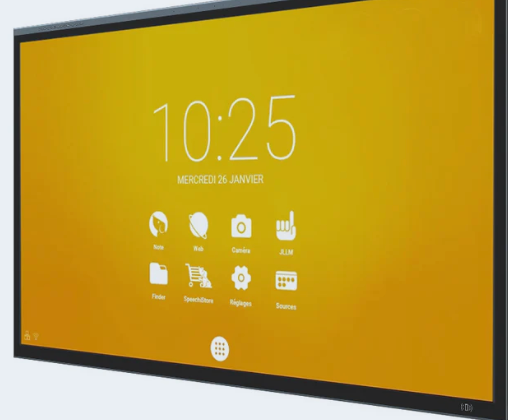
Interactive whiteboard : How to you choose the best one? On the Speechi portal, you will find the answer ! Teachers often ask how to choose the interactive touchscreen that best meets their pupils’ needs. With such a wide range of models and detailed technical specifications to compare, making the right choice can feel challenging. An interactive touchscreen does more than display content: it becomes a powerful tool for teaching, collaboration and active learning.
Choosing the right interactive display means finding the right balance between image quality, touchscreen performance and ease of everyday use. Speechi supports education professionals throughout this process with practical guides, tailored advice and solutions designed for real classroom needs.
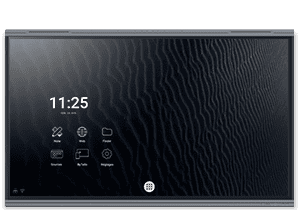
Interactive touchscreen: how to choose the right technology with Speechi?
Before investing in an interactive touchscreen, it is essential to assess its key physical specifications. Screen size has a direct impact on visual comfort for pupils seated at the back of the classroom, while Ultra High Definition (UHD 4K) resolution ensures excellent readability for text, videos and detailed diagrams.
Touch technology also deserves careful consideration. Infrared technology is valued for its durability and ability to support multiple simultaneous touch points, while projected capacitive technology can deliver an exceptionally smooth and precise writing experience. This choice directly affects the quality of everyday classroom activities and collaborative learning sessions.
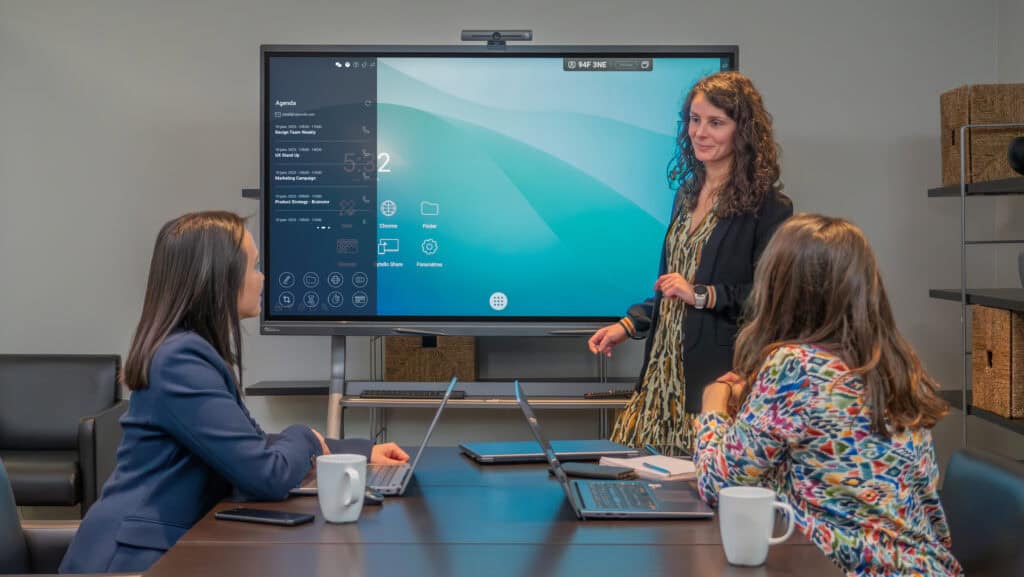
A brightness level of more than 350 cd/m², combined with wide viewing angles, helps ensure clear visibility in different lighting conditions. Compatibility with a range of operating systems also makes it easier to integrate the interactive display into your existing digital infrastructure.
- A screen size and resolution suited to the classroom layout and viewing distance
- Responsive touchscreen performance and the right touch technology, whether infrared or capacitive
- A comprehensive range of built-in connectivity options, including HDMI and USB-C
- An open operating system and access to suitable educational software
- Robust hardware, reliable support and a strong manufacturer’s warranty
Your final choice should always be guided by real-world use. In the classroom, dynamic interaction, active participation and collaborative learning are essential. In business settings, priorities often include fast screen sharing, video conferencing and hybrid meetings. An intuitive, responsive interactive touchscreen will generally deliver more value than a technically complex system that is difficult to use.

Interactive touchscreen: adapting the equipment to education and business needs
The way an interactive display is used can differ significantly between a lecture theatre and a boardroom. For teachers, the priority is often to engage pupils through interactive activities, visual learning and direct annotation of documents.
In educational environments, multi-touch capability and support for different stylus types encourage active participation and collaborative learning. In contrast, corporate users often prioritise efficient hybrid meetings, seamless remote document sharing and integration with video conferencing equipment. The most effective interactive touchscreen is always the one that supports staff, teachers and pupils without getting in the way of their day-to-day work.
Hardware features that improve everyday use
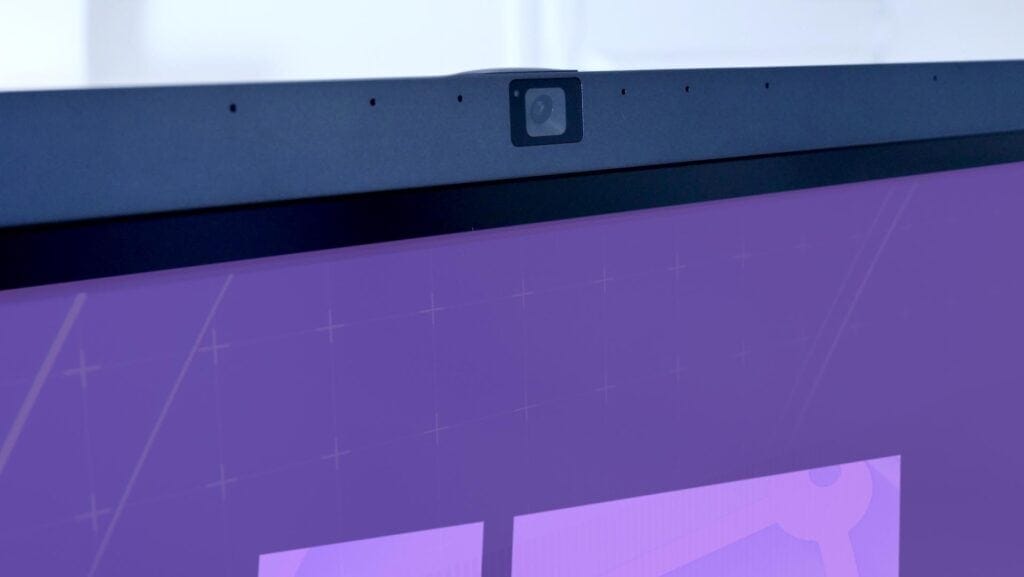
When comparing interactive touchscreen specifications, some headline features can distract from the elements that matter most in daily use. An effective anti-glare coating, low writing latency for a natural writing experience and a reliable wireless screen-sharing system can make a major difference to lessons, meetings and training sessions.
The built-in software suite is equally important. Well-designed annotation tools, intuitive whiteboarding applications and regular operating system updates all help protect the long-term value of your technology investment.
How to compare interactive displays effectively
To compare interactive touchscreens effectively, start by defining clear selection criteria based on your priorities. Identifying your main objectives in advance will help you avoid being overwhelmed by the wide range of interactive display options available. Speechi makes the decision-making process easier with comparison tools, practical simulators and personalised support.
Choosing an interactive touchscreen is not simply about reviewing technical specifications. The quality of technical support, the responsiveness of after-sales service and access to Speechi training sessions are equally important for ensuring that your equipment delivers lasting value.
- Digital whiteboard : How to you choose the best one?
- Interactive display : How to you choose the best one?
- Interactive touch screen displays for classrooms and meeting rooms
- From 55” to 105”, Full HD or 4K UHD, how to choose the right interactive touch screen
- Why install a touchscreen and interactive display for video conferencing?
- Interactive touchscreen TVs for schools and museums