

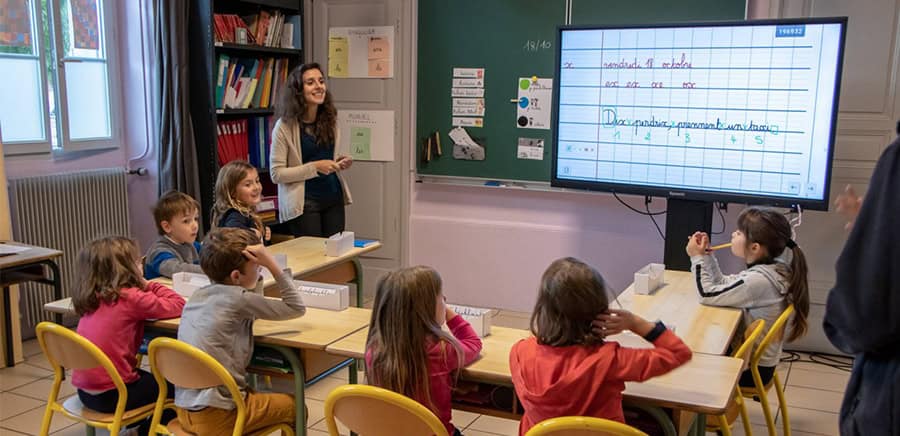
Are you considering investing in an interactive whiteboard for your primary school? Speechi offers a range of interactive digital displays designed to meet the needs of teachers and pupils, from Year 1 to Year 6. These innovative educational tools are transforming classroom teaching by making lessons more engaging, collaborative and accessible. Discover the main features of interactive touchscreen displays for schools and learn how they can enhance teaching and learning in primary education.
What features do interactive digital displays offer primary schools?
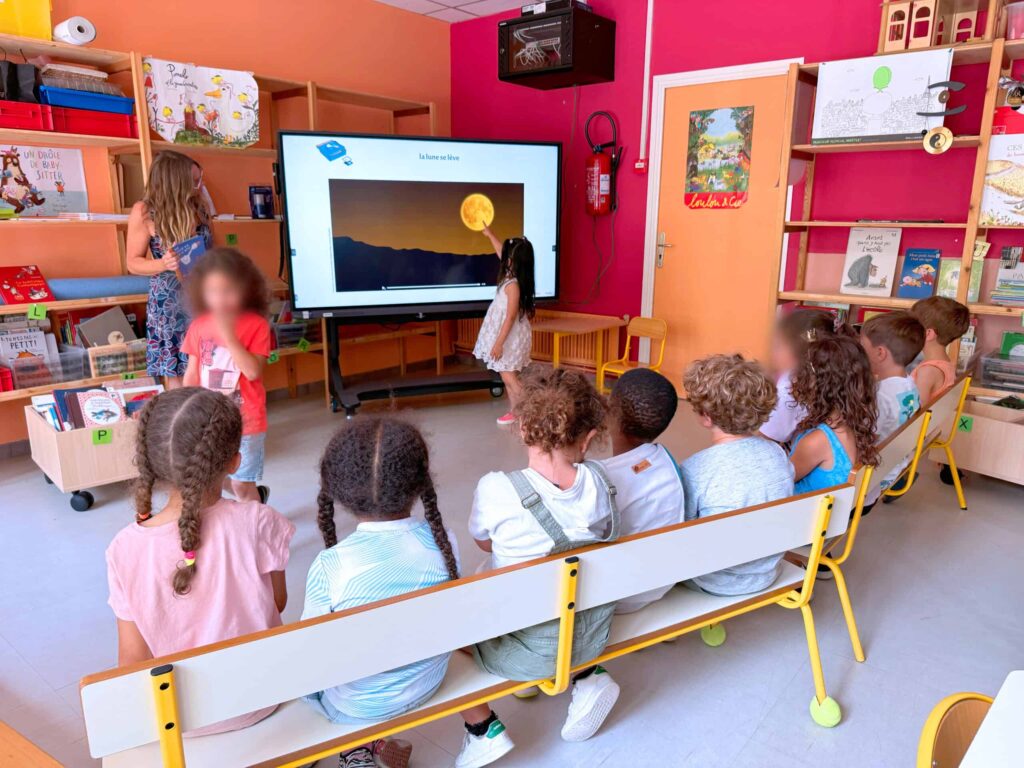
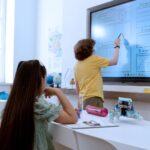
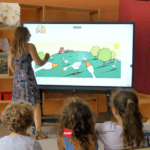
Interactive digital displays for primary schools combine touchscreen technology, multimedia capabilities and collaborative tools to create a more engaging learning environment. One of their main advantages is the ability to write, draw and annotate directly on the screen using a finger or digital pen. Teachers can highlight important information, explain mathematical concepts, correct exercises and illustrate lessons in real time. Pupils can also interact directly with the displayed content, encouraging active participation and making classroom activities more stimulating.
Modern interactive touchscreen displays for education are compatible with a wide range of educational applications and digital learning resources. Teachers can incorporate interactive exercises, educational games, videos and multimedia presentations into their lessons. These features are particularly useful for teaching mathematics, reading, writing, science and geography. Collaborative tools also allow several pupils to participate in the same activity, share ideas and work together on classroom projects, helping to develop communication and teamwork skills. You can also explore our article on collaborative software and teamwork in schools.
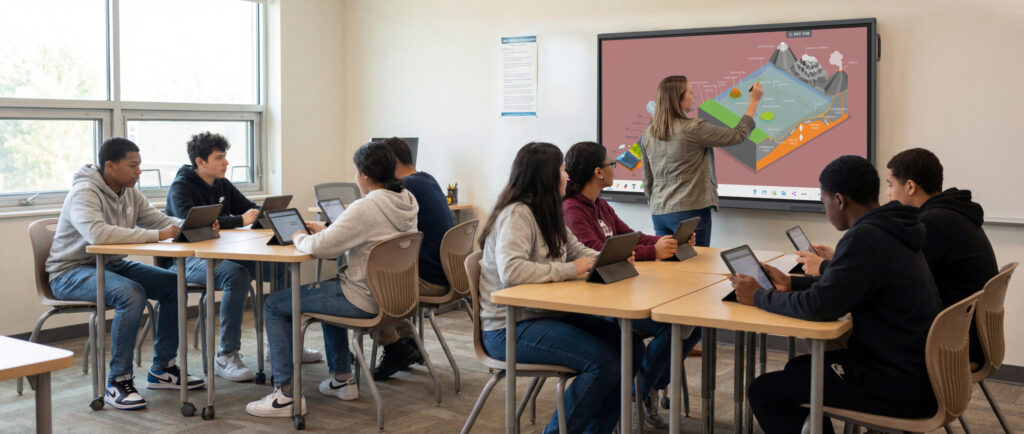
Connectivity is another essential feature of an interactive whiteboard for primary schools. Speechi interactive displays offer connection options for compatible computers, tablets and other digital devices, making it easier to share educational resources and display teaching materials. Depending on the model, connectivity options may include HDMI, USB and wireless screen sharing. An intuitive interface, combined with responsive multi-touch technology and digital pen support, helps teachers and pupils use the screen confidently without requiring extensive technical knowledge.
Interactive digital screens can also support personalised learning in primary classrooms. Teachers can adapt activities to different abilities and learning needs by combining visual explanations, interactive quizzes, educational videos and practical exercises. This flexibility helps make lessons more inclusive and enables pupils to engage with educational content in ways that suit their individual learning styles and progress.
Another important advantage is the development of digital literacy. By regularly using interactive classroom technology, pupils become familiar with digital tools while practising essential skills such as problem-solving, creativity, communication and critical thinking. When integrated into well-structured lessons, interactive displays can help children develop confidence with technology and prepare them for increasingly digital learning environments.

How can interactive digital displays be integrated into primary school lessons?
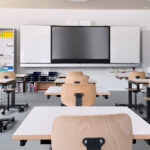
Successfully integrating an interactive digital display into the classroom requires suitable equipment, appropriate educational resources and effective teacher training. Before choosing an interactive whiteboard for a primary school, it is important to consider the classroom layout, the number of pupils and the intended teaching activities. Speechi helps educational establishments compare interactive displays according to essential technical specifications, including screen size, resolution, touchscreen responsiveness, connectivity and compatibility with educational software.
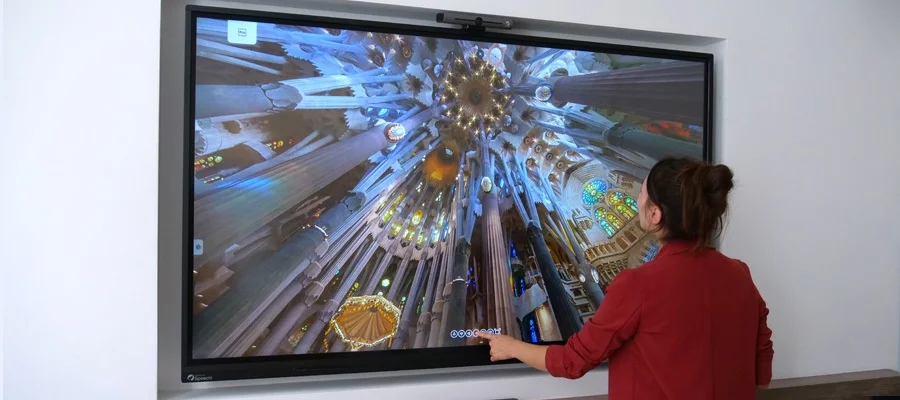
Screen size is particularly important for ensuring that all pupils can see the content clearly, even from the back of the classroom. A high-resolution display, such as a 4K interactive screen, can provide sharp images, readable text and detailed educational illustrations. Multi-touch functionality is also valuable, as it allows several pupils to interact with the screen during group exercises. Choosing a model with an intuitive interface and reliable digital writing tools can make everyday classroom activities easier to organise.
Teachers should also focus on creating engaging educational content that makes full use of interactive technology. Digital presentations, interactive diagrams, collaborative activities and multimedia exercises can enrich traditional teaching methods. For example, pupils can solve mathematical problems directly on the touchscreen, practise handwriting using digital writing tools or explore maps and scientific illustrations through interactive activities. The objective is not simply to replace a conventional whiteboard but to introduce new opportunities for participation and learning.
Professional development is another key consideration. Teachers need sufficient time and support to become familiar with the available features and incorporate them into their existing teaching practices. Practical training, accessible technical documentation and ongoing assistance can help schools maximise the educational benefits of their interactive displays while ensuring that the technology remains straightforward to use.
Why choose Speechi interactive whiteboards for primary schools?
Speechi offers interactive digital displays designed to support modern teaching methods and the everyday requirements of educational establishments. Whether you are equipping a Year 1 classroom or introducing interactive technology to Year 6 pupils, selecting the right touchscreen display can help create a more dynamic and collaborative learning environment.
Speechi provides a selection of interactive screens with features suited to classroom use, including high-resolution displays, responsive touch technology and connectivity options for digital teaching equipment. These solutions allow teachers to present educational content clearly, annotate documents, organise group activities and encourage pupils to participate directly in lessons. By combining visual learning resources with interactive exercises, schools can make a wide range of subjects more accessible and engaging.
Beyond supplying interactive touchscreen displays, Speechi also offers technical guidance and support to help schools choose and use their equipment effectively. This assistance can be particularly valuable when introducing new classroom technology, selecting suitable accessories or helping teaching staff become familiar with interactive features. The aim is to facilitate the transition to digital teaching tools while ensuring that teachers remain focused on their pupils’ educational needs.
Investing in a Speechi interactive whiteboard for primary education can provide long-term benefits for teachers and pupils alike. By encouraging participation, supporting collaborative learning and offering flexible ways to present educational content, interactive digital displays can become valuable tools in modern primary classrooms.
Explore the range of Speechi interactive digital displays for primary schools on our website. Compare screen sizes, technical features and available solutions to find the interactive whiteboard best suited to your school’s teaching requirements and budget.
Add a stronger primary-school CTAReduce repeated technology benefits
 Choosing the best smart white board for schools, preschools, colleges and high schools
 Teaching English in Primary School with an Interactive Display
 Best interactive display for schools and universities
 Interactive displays in primary school classrooms: beneficial or harmful?
 Interactive whiteboard in a classroom in primary, college and high school
