

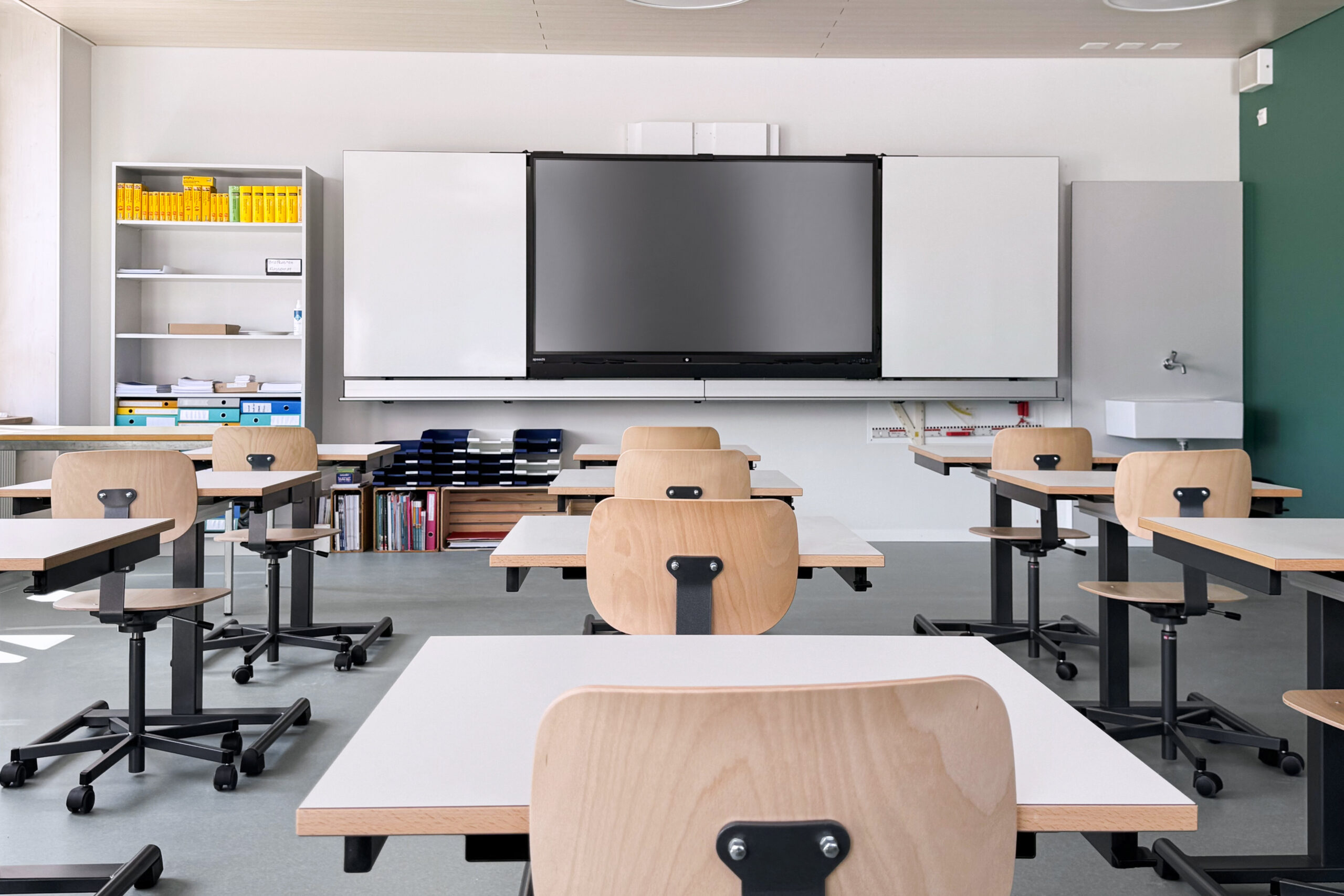
Are you considering installing an interactive display for your school or university ? You can rely on the wealth of advice available on the Speechi blog. Choosing the best interactive display for schools and universities requires looking beyond a simple analysis of technical specifications. It is about selecting a long-lasting tool that can engage every learner and cater for a wide range of teaching scenarios. Today, educational institutions are looking for solutions that are reliable, intuitive and ready to use straight away. A touchscreen of the right size becomes a discreet learning tool, as using it becomes second nature.
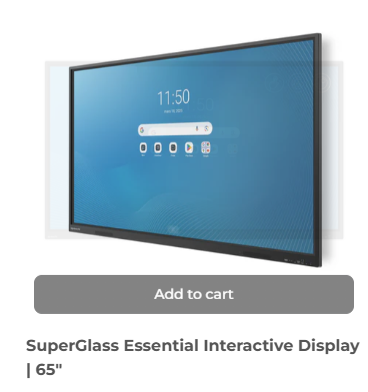
What criteria does Speechi recommend when choosing an interactive display for education?
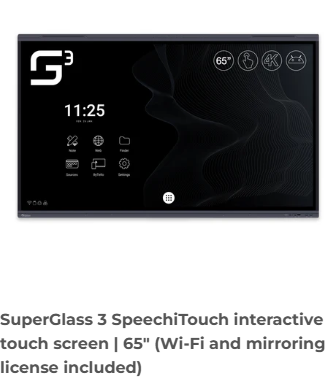
One question invariably arises when procuring equipment: how can you identify the best interactive display for schools and universities without making a mistake? The display size is the first factor to consider. A small classroom requires a compact format, whereas a university lecture theatre needs a large screen size to ensure flawless visibility from the back rows. Ultra HD resolution also plays a decisive role by offering sharp image detail, which is essential for understanding complex diagrams.
The responsiveness of the touchscreen deserves careful consideration for Speechi. High-precision infrared or capacitive technology, combined with the ability to handle multiple touch points simultaneously, makes note-taking and collaborative work more fluid. The embedded operating system, meanwhile, must ensure an open ecosystem, facilitating integration with the educational software already deployed within the school.
- Extensive connectivity including HDMI, USB-C and suitable audio outputs
- Wireless projection module for instant sharing of pupils’ work
- Universal support for Windows, Mac, Android and iOS systems
The robustness of the screens offered by Speechi guarantees proven resistance to the daily wear and tear caused by pupils.
The overall ergonomics of the hardware ensure access to basic functions without wasting time. A clear interface protects teachers from technical difficulties in the middle of a lesson. Speechi ensures this delicate balance between hardware power and ease of use is maintained – a decisive factor in adoption in the classroom.
Why does the best interactive display for schools and universities enhance learning?
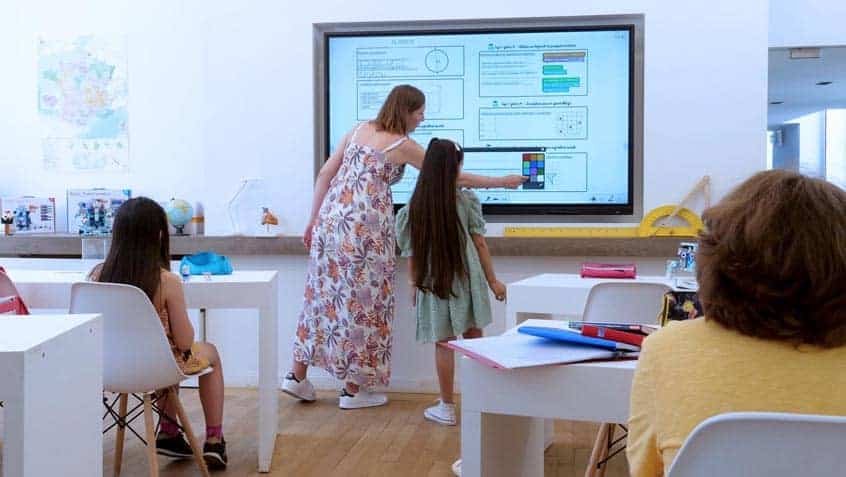
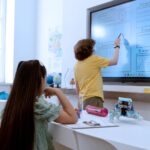
The benefits of a touchscreen go beyond simply displaying static content. The interactive whiteboard in a classroom in primary, college and high school brings lessons to life by placing pupils at the heart of the action. By directly interacting with elements on the screen, students develop a particularly fruitful heuristic approach. The teacher can seamlessly alternate between theoretical demonstrations, small-group workshops and group feedback.
Interactive visual modelling makes it easier for students to grasp abstract concepts. This approach respects each learner’s individual style by engaging visual, auditory and kinesthetic memory simultaneously. Course organisation becomes more efficient thanks to immediate access to centralised digital resources.
In the context of blended learning, the Speechi catalogue offers invaluable flexibility. The ability to record the session, annotate in real time and share the screen recording ensures ideal educational continuity for distance learners.
The widespread availability of course materials encourages more structured independent study after class.
Essential features of the best interactive display for schools and universities
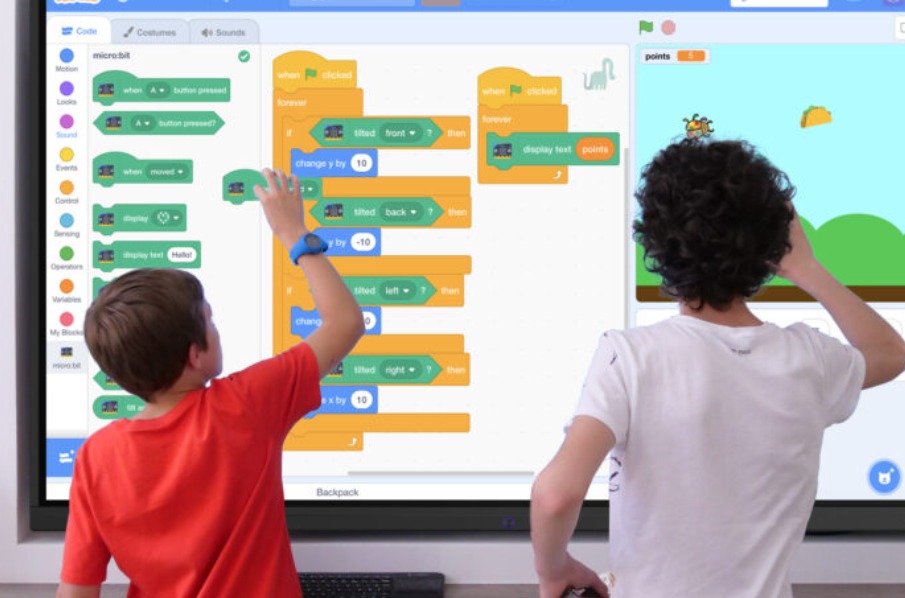
To support day-to-day academic life, the best interactive display for schools and universities relies on dedicated software tools. Real-time annotation on all types of files brings a high degree of spontaneity to explanations. Video recording features for the touch surface create ready-to-use revision clips. Interoperability with Digital Workspaces (ENT) and cloud storage secures educational data whilst facilitating teachers’ preparatory work in the best electronic whiteboard.
A quick learning curve remains the number one requirement for teaching teams. This is why Speechi designs streamlined software environments for each interactive screen for business and education school. Equipment that is too complex risks being neglected, whereas an ergonomic interface immediately wins over both occasional and regular users.
How to effectively integrate these screens ?
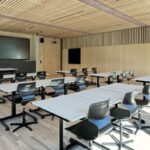
The success of an IT project depends as much on the quality of digital whiteboards for schools, colleges and high school as on its methodical deployment. To maximise the use of the best interactive display for schools and universities, the physical layout of the room requires specific attention. Speechi works with educational institutions to determine the ideal installation height, the orientation in relation to natural light and the arrangement of furniture to facilitate pupils’ movement towards the display.
The implementation process benefits from being accompanied by a phased introduction. Presenting examples of practical activities helps to reassure teaching staff and stimulate their pedagogical creativity. By combining reliable hardware, smooth-running software and tailored support, the touchscreen Speechi for businesses and schools integrates seamlessly into classroom routines, directly benefiting both pupils and teachers.
 Choosing the best smart white board for schools, preschools, colleges and high schools
 The best interactive whiteboards for classrooms, schools and education
 Interactive touchscreen TVs for schools and museums
 An Interactive smart whiteboards for colleges and high schools
 Digital whiteboards for schools, colleges and high school
