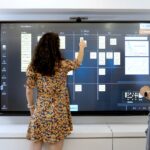
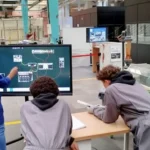
Can the interactive display play a role in tackling the digital divide? In this article, we look at everything it can bring to schools, as well as to the non-profit sector.
What Is the Digital Divide?
The digital divide refers to the gap between those who have access to all the opportunities offered by digital technology and those who do not. This divide is caused by two major difficulties:
- difficulty accessing digital tools (PCs, smartphones, tablets) and their infrastructure (internet, broadband, etc.) for socio-economic or geographical reasons,
- a lack of skills to use digital tools (also known as digital illiteracy), which can be a direct consequence of limited access to these tools.
Its Consequences
In a society that is shifting toward fully digital systems, including public services, the digital divide leads to proven inequalities while also amplifying existing ones. Limited knowledge and poor mastery of digital tools affect daily life as a whole: professional life, education, access to information, access to financial or social aid, and more.
The Interactive Display at School: A Key Tool for Digital Education
When inequalities are observed in the field, schools are often asked to take on the challenge of correcting them. Until recently, this challenge was significant and difficult to implement. But now that more and more schools are equipping their classrooms with interactive displays, robust digital education is becoming possible.
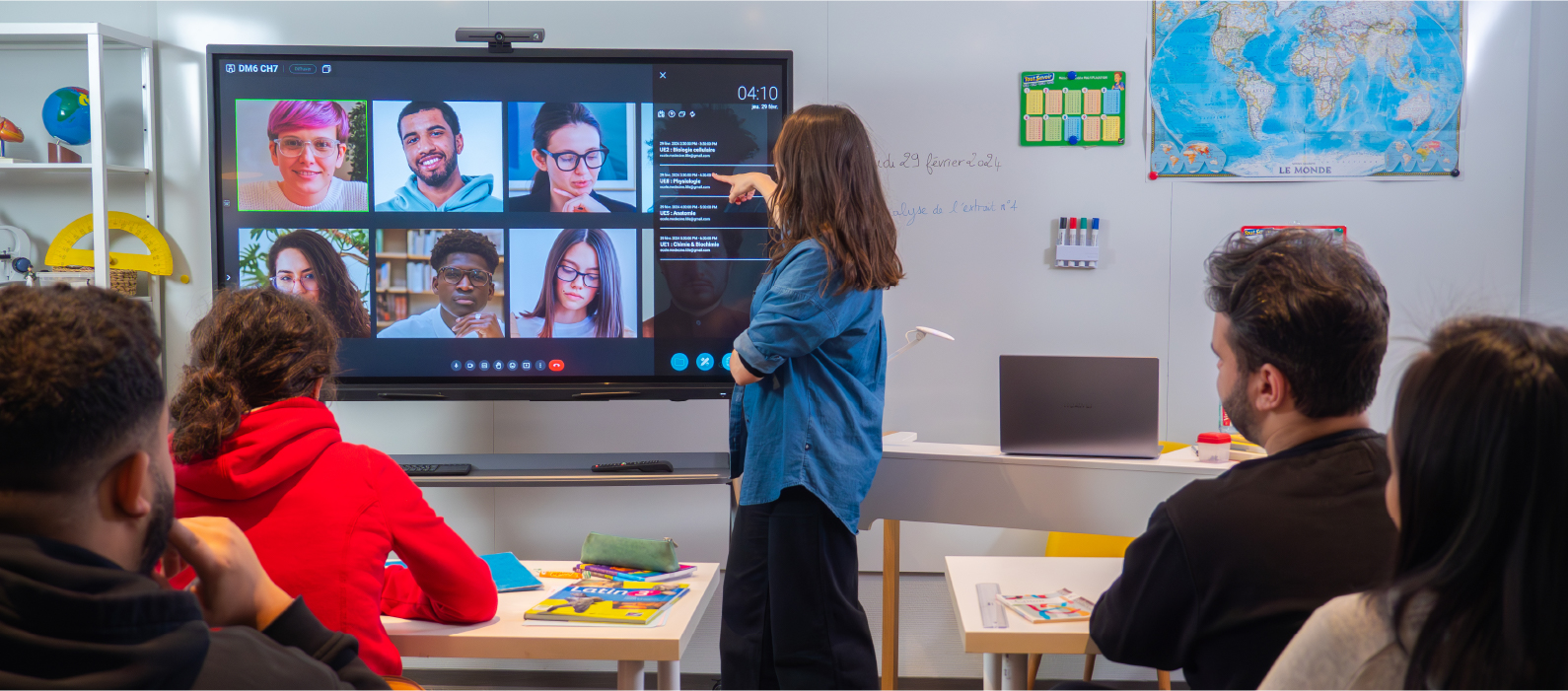
The Benefits of Interactive Displays in Tackling the Digital Divide
1/ A Learning Resource Available in the Classroom
In the past, computer education was fragmented and limited to an occasional hour here and there during the year, depending on the availability of the computer lab. One of the main advantages of the interactive flat panel is that it is permanently available in the classroom. While digital education requires dedicated teaching hours, teachers can also address a digital issue or practice spontaneously whenever clarification is needed outside these scheduled sessions.
With an interactive display, digital technology thus becomes a constant subject of discussion and study. Just as reading and writing skills are practiced across all subjects, having an interactive display in the classroom allows students to develop their ability to use, understand, and analyze digital tools in all subjects, throughout the year.
2/ A Versatile Tool for a Complete Overview of Digital Technology
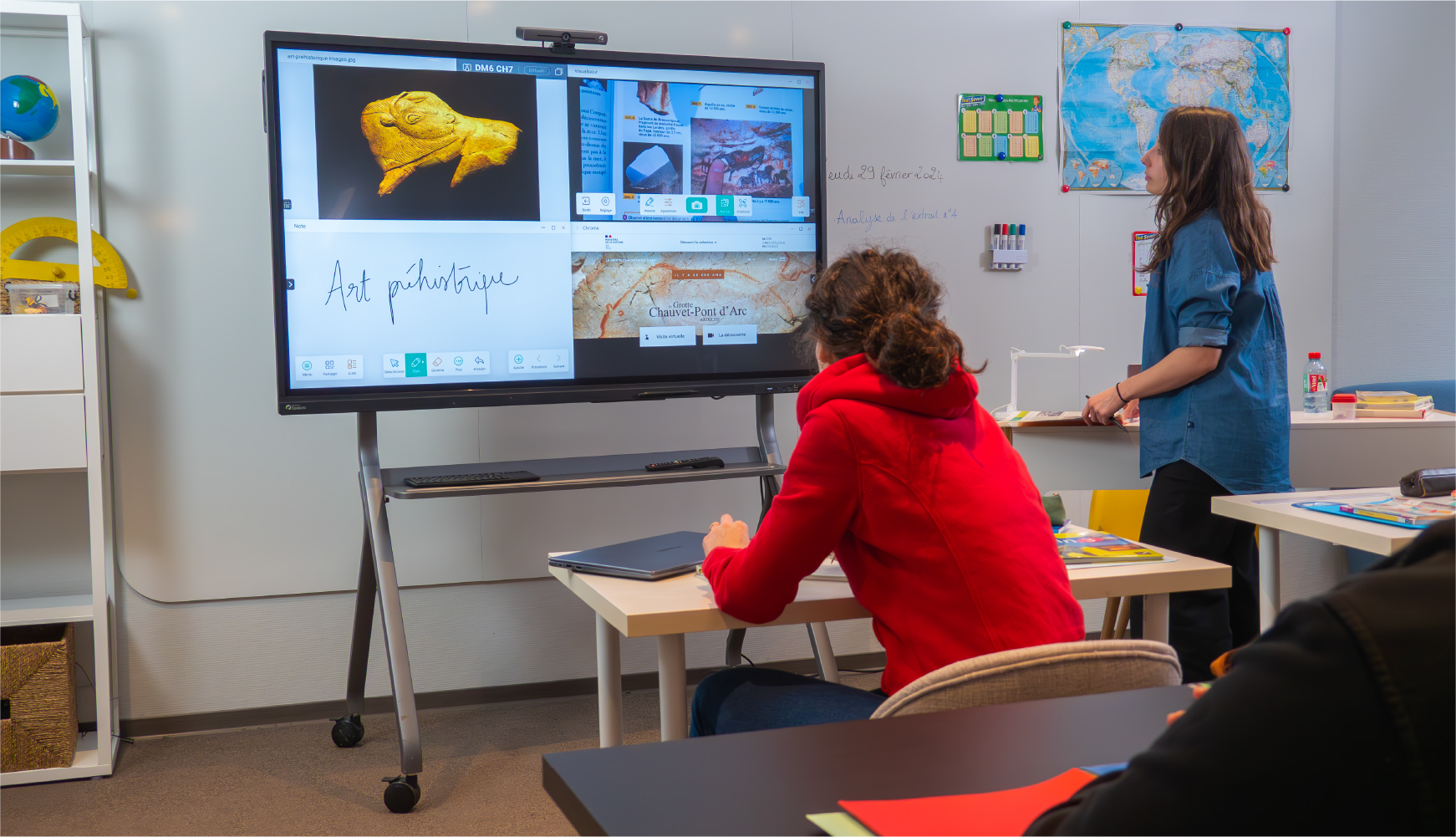
- Familiarize your students with both Android and Windows environments using a single tool. The interactive display is an Android device that works in every respect like a touchscreen tablet, to which a Windows PC in OPS format can be added. Switch from one environment to the other with a simple source change.
- Explore how the web works thanks to its built-in Wi-Fi module and teach students how to formulate a search query, identify reliable information sources, and more.
- Teach programming through educational applications available on the Speechi Connect Store or the Google Play Store.
3/ A Teaching Tool Designed for Digital Education
The interactive flat panel is highly appreciated by the education community for its technical qualities and the wide range of pedagogical possibilities it offers. These qualities naturally serve digital education.
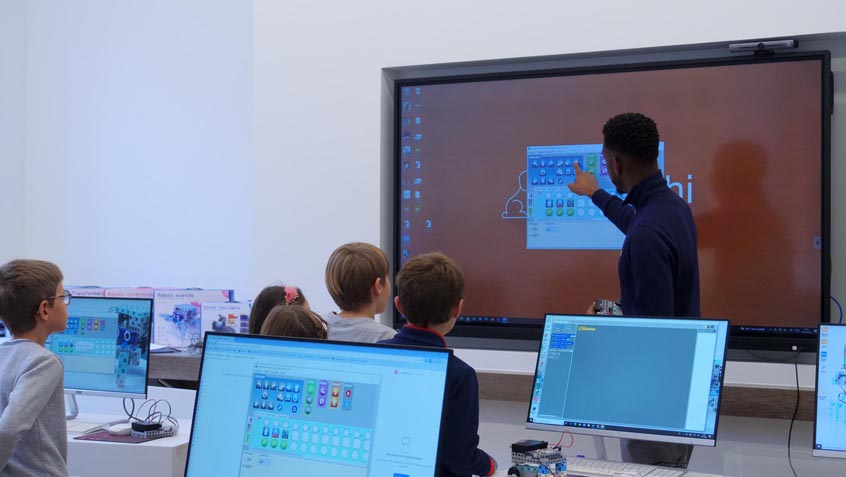
- Thanks to its large screen, which becomes a demonstration space visible to the entire class, part of digital education can take place in the classroom on the interactive flat panel before students move on to hands-on exercises on individual PCs in a computer lab.
-
On the interactive flat panel, teachers have access to the same tools students will later use on their PCs, along with many additional tools such as image or video capture. These features help support students in their digital education and create a class memory they can refer to during practical sessions on PCs.
4/ An Inclusive Tool for Digital Education
Digital education also raises the issue of accessibility. Many people living with disabilities are effectively excluded from digital education due to screens that are too small or furniture that is not adapted for proper and ergonomic interaction with digital tools.
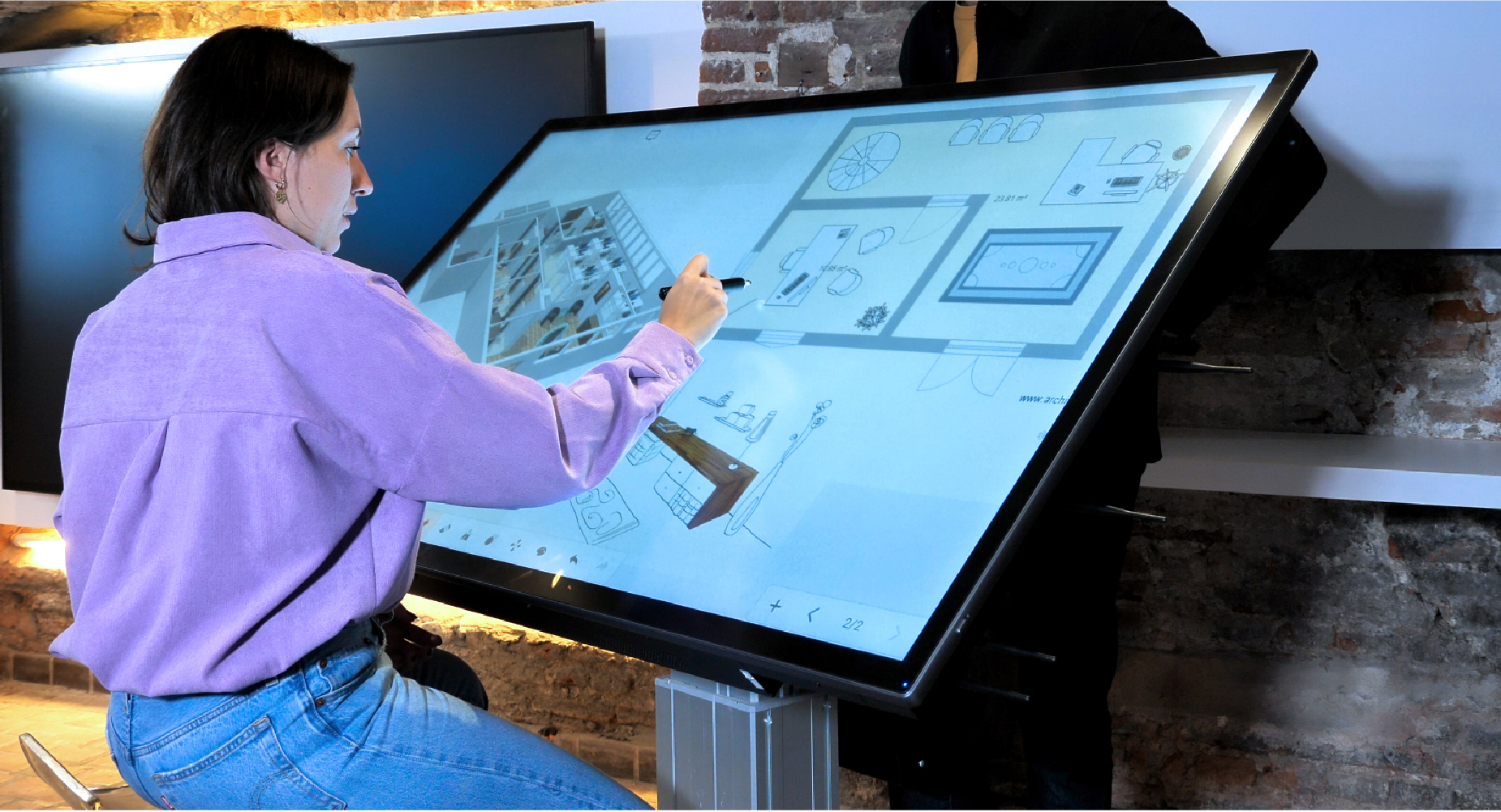
The interactive display brings together several features that make it a more inclusive tool for people living with certain disabilities:
- The size of the touch surface (ranging from 55″ to 98″) is much easier to use for people with motor impairments than a tablet screen or a PC mouse.
- Some motorized floor stands allow the height and tilt of the interactive display to be adjusted.
- The wide spacing of the legs on these stands allows wheelchair users to approach and interact with the panel comfortably.
In addition to these technical features, there are two innovative functionalities designed to make teaching—and digital education in particular—more inclusive:
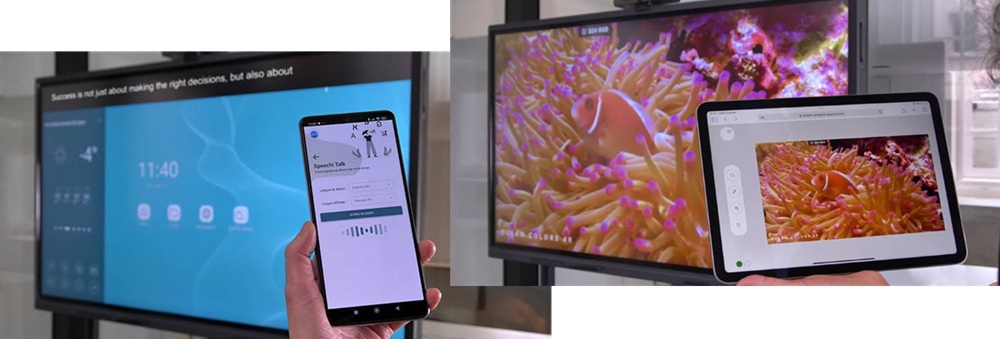
- With SpeechiTalk, the teacher’s spoken words can be transcribed live on the interactive display.
- With Speechi Stream, the content displayed on the interactive display can be broadcast directly to students’ devices.
Initiatives from the Non-Profit Sector to Combat the Digital Divide
Many of the best-known charities, along with numerous local initiatives, have taken up this societal issue by offering workshops to help people learn how to use digital tools.
Successful Digital Support at the Maison Solidaire de Kermarron
In 2022, we shared an initiative from the Maison Solidaire de Kermarron in Brittany, featured in Le Télégramme. To support the work of their new digital advisor helping people affected by the digital divide, the Maison Solidaire de Kermarron equipped itself with a Speechi interactive display.
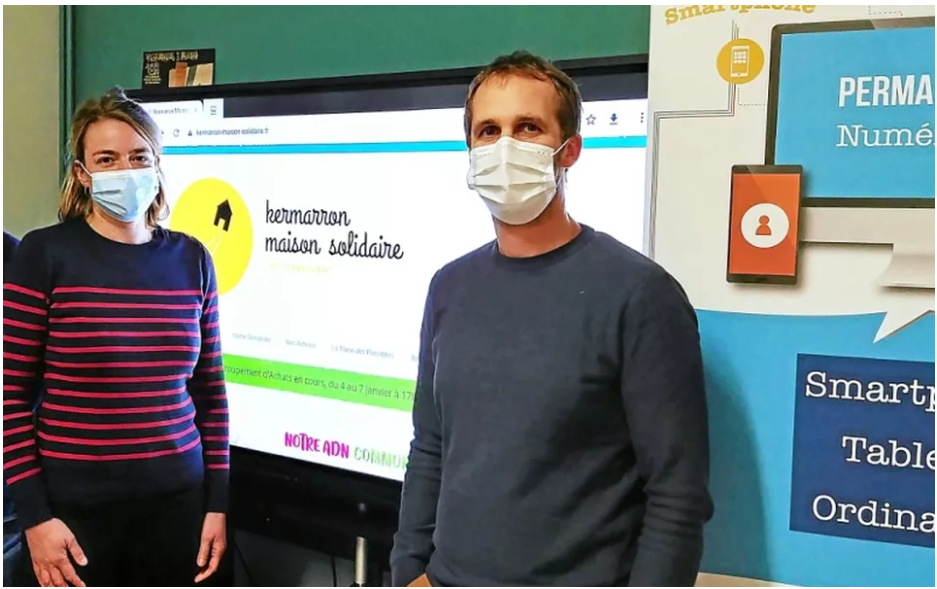
“It’s a simple tool that allows flexible, daily digital practice and helps maintain contact with vulnerable people through video conferencing, for example.”
— Tugdual Le Nabec
“It’s interesting because it shows that digital technology is not just a constraint, but a way to learn while having fun.”
— Cyrille Romual
Exploring the Digital World for Everyone at Johannes-Diakonie in Baden-Württemberg
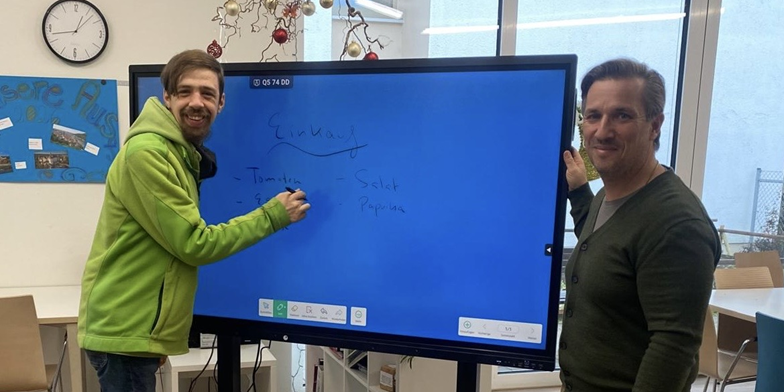
In Germany, at the social services organization Johannes-Diakonie, the team at the Baden-Württemberg site acquired a Speechi interactive display to meet the population’s desire to learn about digital topics while ensuring that the tool is as inclusive as possible.
“Thanks to daily use of the screen, our clients gradually learned to explore the digital world independently (…) It is a fantastic solution that makes a valuable contribution to digital inclusion.”
In Short: The Role of the Interactive Display in Combating the Digital Divide at School
- Permanent availability in the classroom, ideal for providing continuous digital education
- Versatility for a comprehensive exploration of digital tools
- A tool well suited to pedagogical use and, by extension, to digital education
- A particularly inclusive tool for digital education that addresses everyone