

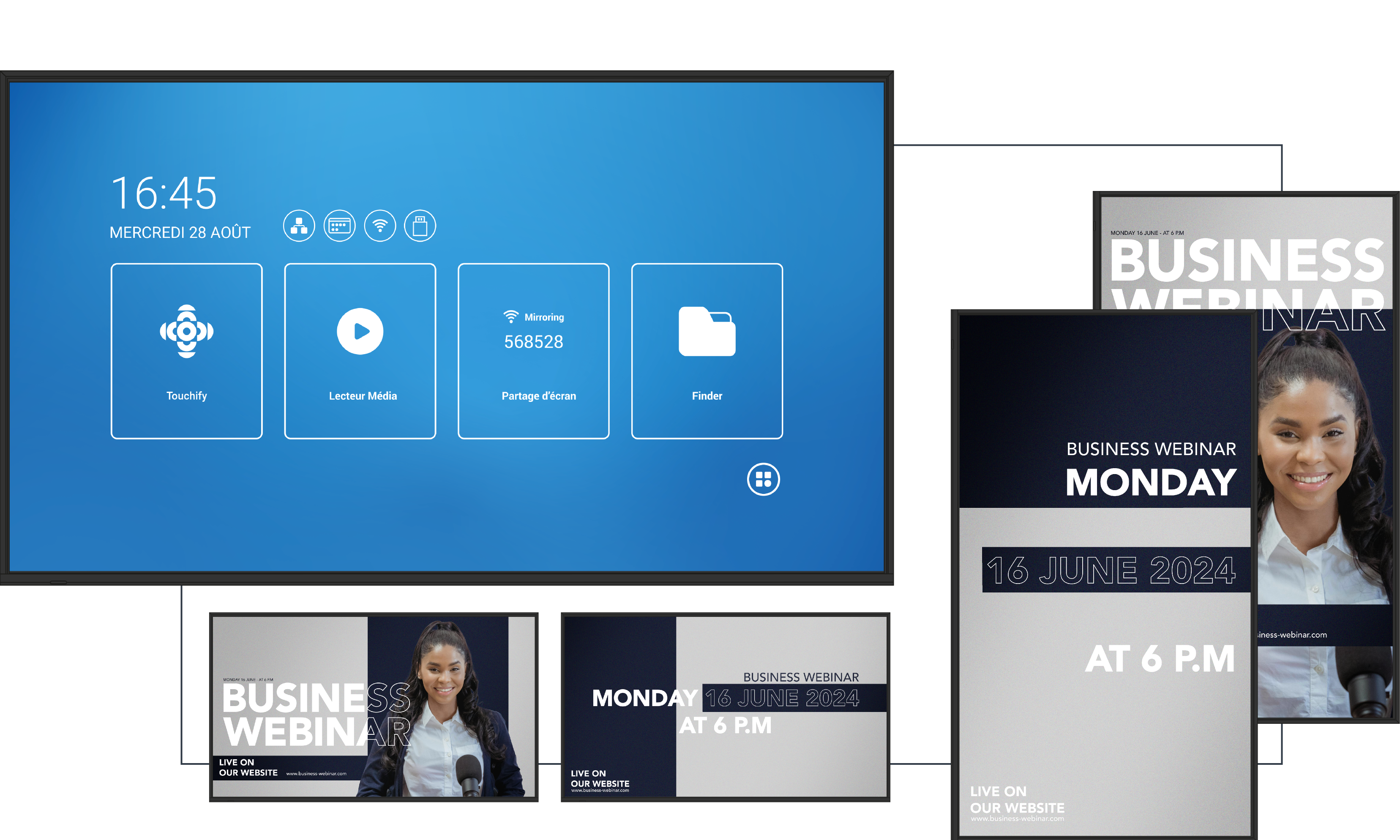
Whatever your profession, you can benefit from an interactive display. With Speechi, you can discover dedicated solutions such as the interactive screen for solicitors. The same applies if you work in architecture: Speechi helps you identify the most suitable touchscreen for architects.
In a constantly evolving professional environment, interactive screens have become essential tools for companies seeking to optimise productivity. Speechi offers innovative technological solutions designed to enhance communication and collaboration within teams. Let’s explore why these devices are now indispensable and how they can transform everyday professional practices.
The benefits of interactive screens for businesses
Adopting interactive screens for professional use offers numerous advantages. First and foremost, these devices significantly enhance interactivity during meetings and presentations. Participants can interact directly with the displayed content, fostering more dynamic and efficient collaboration.For example, during a meeting, an interactive screen enables real-time contributions through features such as screen sharing, live annotations, and collaborative note-taking.
Display quality is another key advantage. High-resolution screens ensure that visuals, graphics, and videos are sharp and engaging, allowing information to be clearly seen from anywhere in the room. This level of clarity is essential to ensure messages are delivered accurately and without misunderstanding.
In addition, interactive screens seamlessly integrate with digital tools. They connect easily to various communication platforms, providing valuable flexibility during work sessions. The ability to use multiple applications and collaborative tools simultaneously turns the interactive display into a true productivity driver.
Here are some of the key features that distinguish interactive screens for professionals:
- Real-time collaboration
- Exceptional display quality
- Seamless integration of digital and multimedia tools
- Multi-user interaction
Key features to look for in a Speechi interactive display
Screen resolution is equally important. Choosing a high-definition display ensures that presentations are more readable and visually appealing. Touch responsiveness should also not be overlooked: a fast and accurate response is essential for a smooth, intuitive user experience.
Connectivity is another crucial aspect. Opt for a model equipped with multiple ports, such as HDMI and USB, as well as wireless connectivity for remote presentations. This flexibility makes it easier to connect external devices and adapt to different working scenarios.
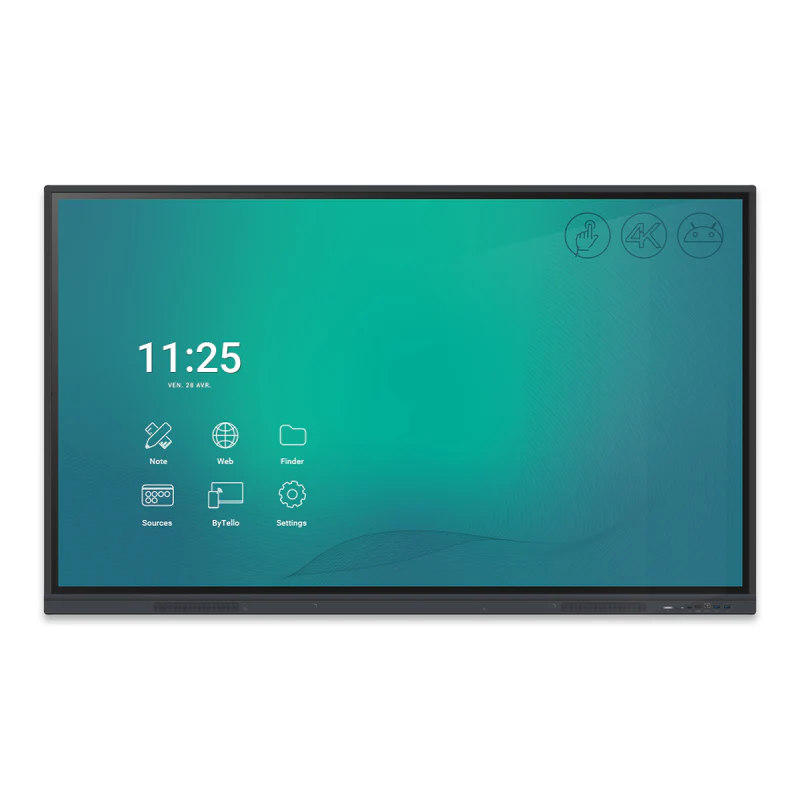
Finally, consider the available software options. Some models come with dedicated collaboration applications and built-in project management tools—an undeniable advantage for energising and structuring your meetings.
For all interactive and touchscreens offered by Speechi, you will find detailed specifications, including screen size in inches and the number of simultaneous touch points supported.
How to integrate an interactive screen into your professional environment
Successfully integrating an interactive screen into your workplace involves several key steps. First, identify the most suitable location. The screen should be placed in an easily accessible area where all participants have a clear, unobstructed view.
Next, organise training sessions to help employees become familiar with the device. While interactive screens are generally intuitive, training ensures that all features are fully utilised. Encouraging a culture of sharing and participation will also promote regular and effective use during meetings.
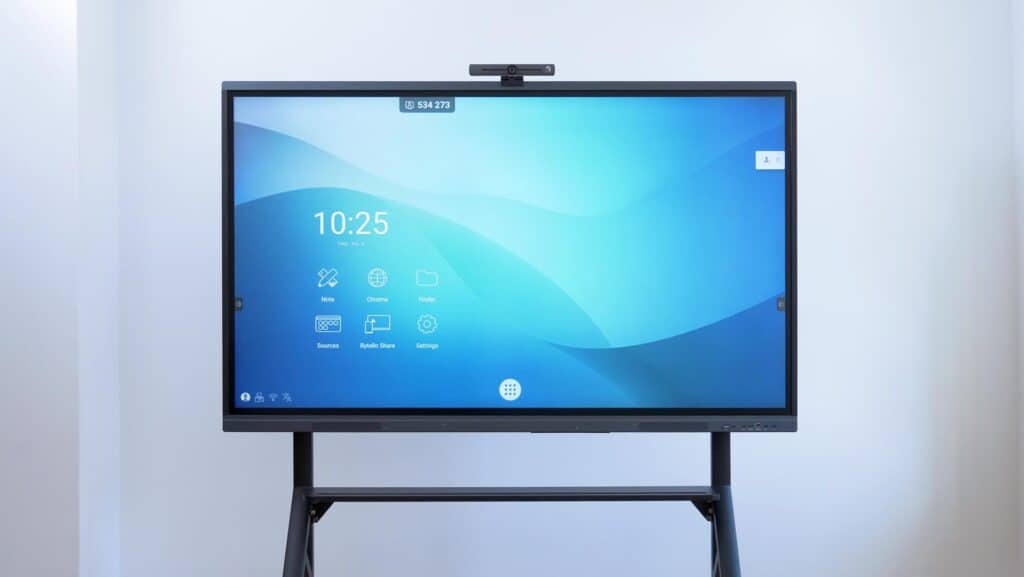
Regular maintenance is equally important. Periodically check the screen’s performance and keep the software up to date to ensure optimal security and benefit from the latest enhancements.
The role of interactive screens in professional training
Interactive touchscreens are becoming indispensable tools for employee training. By introducing interactive learning methods, they transform traditional training sessions into immersive and engaging experiences. This approach helps maintain participant engagement and significantly improves information retention.
Features such as screen sharing and real-time polling make training sessions more dynamic. Trainers can encourage meaningful discussions, present compelling case studies, and actively involve participants—ultimately making learning more effective.

Interactivity also strengthens group dynamics, fostering a collaborative learning environment that is essential in today’s fast-changing professional landscape. By integrating interactive screens into your training programmes, you ensure that every employee benefits from a stimulating and personalised learning experience.
By incorporating an interactive screen into your business strategy, you enhance productivity while increasing team engagement.
The interactive screen for professionals holds no secrets anymore. Order your professional multimedia display in just a few clicks from Speechi and discover a wide range of high-performance solutions.
 Interactive wall display: 86 inch & 4K Interactive Screen Display
 Iolaos Tutorial No. 2: Creating Interactive Exercises for Your Classroom Interactive Display
 Speechi Connect on your company’s interactive display: what’s the benefit?
 Energy Sobriety: Our Tips to Reduce the Power Consumption of Your Interactive Display
