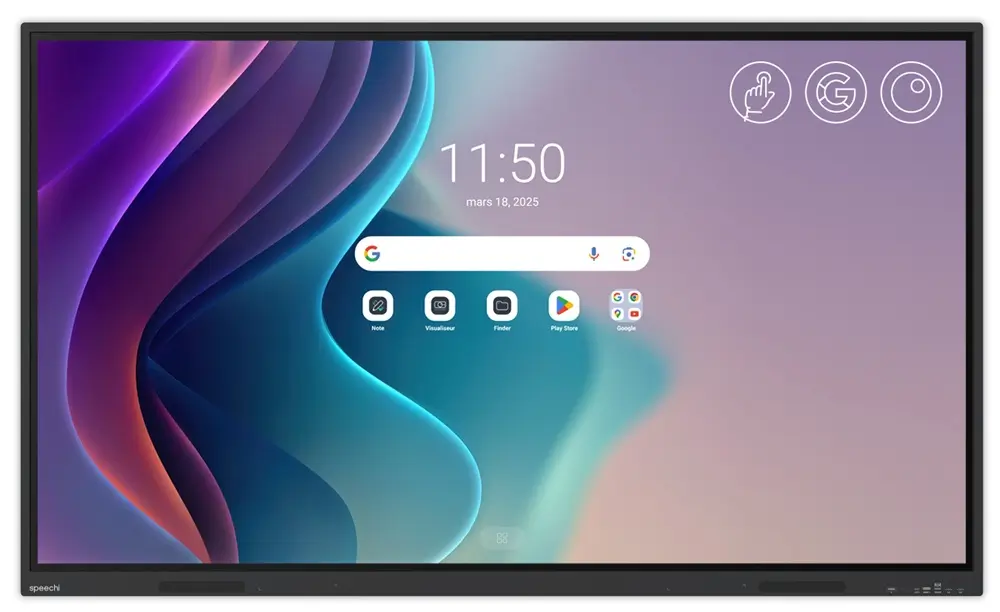
After the SuperGlass Pro—our new mid-range model launched in March 2025—we are starting 2026 with the arrival of our new entry-level product: the SuperGlass Essential interactive display, which shares many common features with it.
And for good reason: with the SuperGlass Essential range, we have kept the very essence of the Speechi experience—an environment and features designed so that digital tools no longer hinder your work, but instead make it easier.
Our documentation
- Our brochure for an overview of the promises of the SuperGlass Essential display
- Our technical sheet for a detailed look at its specifications and included accessories
Summary of its most notable technical features (↑)

Version
Android 14

SuperGlass
High precision

Resolution
4K UHD

Storage
8 GB RAM
64 GB ROM

Audio
2×16 W (65″, 75″)
2×20 W (86″)
A secure, familiar, and customizable environment (↑)
The SuperGlass Essential range benefits from a dual environment that not only ensures you can find all your usual Google Workspace tools directly on the display interface, but also gives you the opportunity to personalize your use of the interactive display.
The Google environment on the SuperGlass Essential display (↑)
SuperGlass Essential display, Google EDLA certified


Integrated Google Suite
All your usual work tools are available on the screen: the Google Search bar, YouTube, Gmail, Drive…
Access to the Play Store
Take advantage of the vast Play Store catalog to download all your collaborative and educational apps directly onto the display.
Play Protect
Play Protect detects and blocks applications with suspicious behavior.
Customize the SuperGlass Essential interactive display (↑)
With Speechi Connect
 Activate Speechi Connect so that your organization and its users can enjoy a personalized experience with the Essential display.
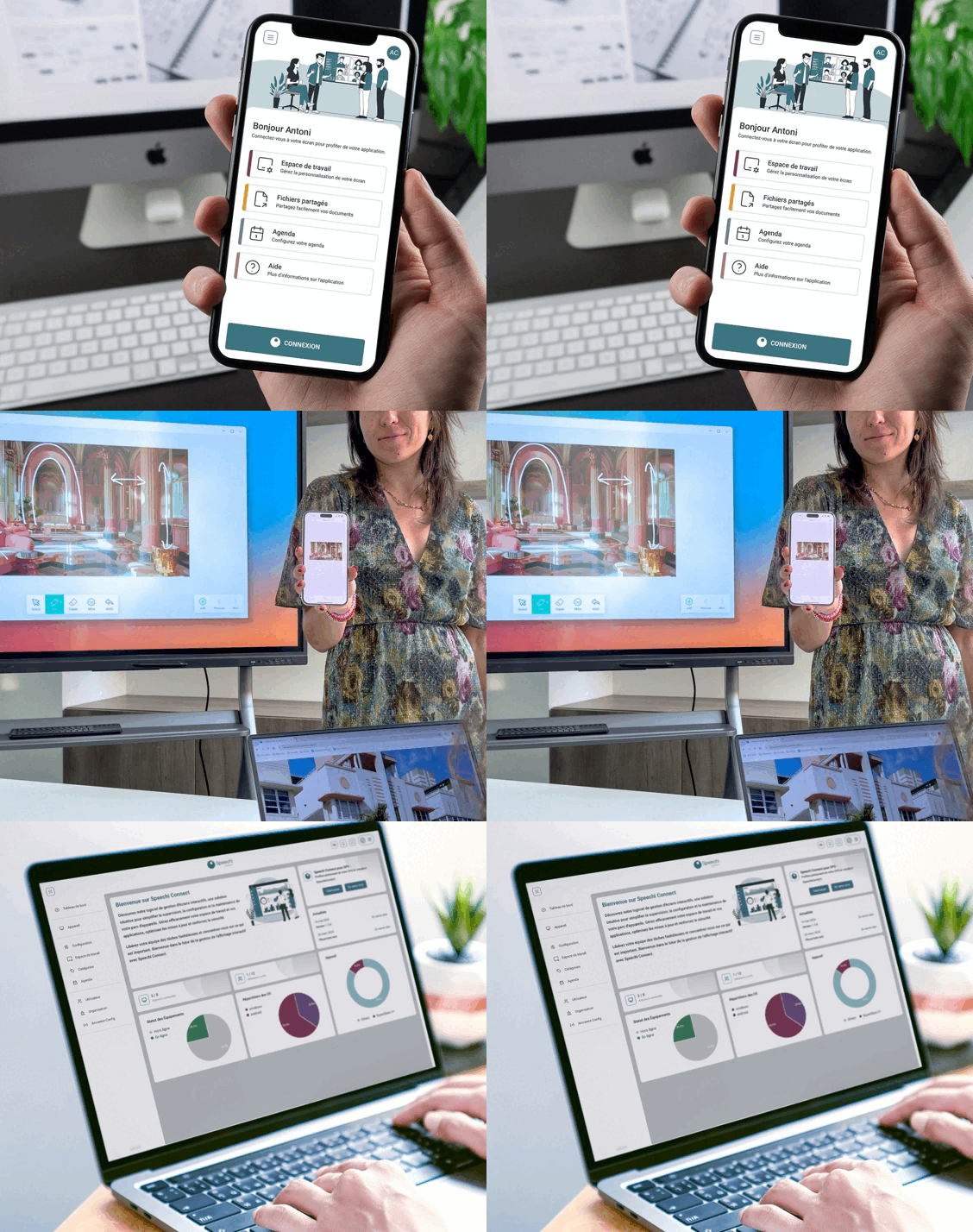
Personalize
With its app, each user can choose their wallpaper, select their apps, upload documents, and sync their calendar so they can retrieve everything on any interactive display within the organization.
Share without limits
Retrieve your documents on the display using the app.
Stream content. Mirror the display to the devices of your audience.
With Talk, display real-time transcriptions of your speech in your audience’s language.
Administer
Manage your entire fleet of interactive displays using a SaaS platform, as well as user permissions.
The 3 flagship features of the Essential range (↑)
Note digital whiteboard

Enjoy the unlimited workspace of the digital whiteboard and its many tools for teaching and presenting.
Screen sharing
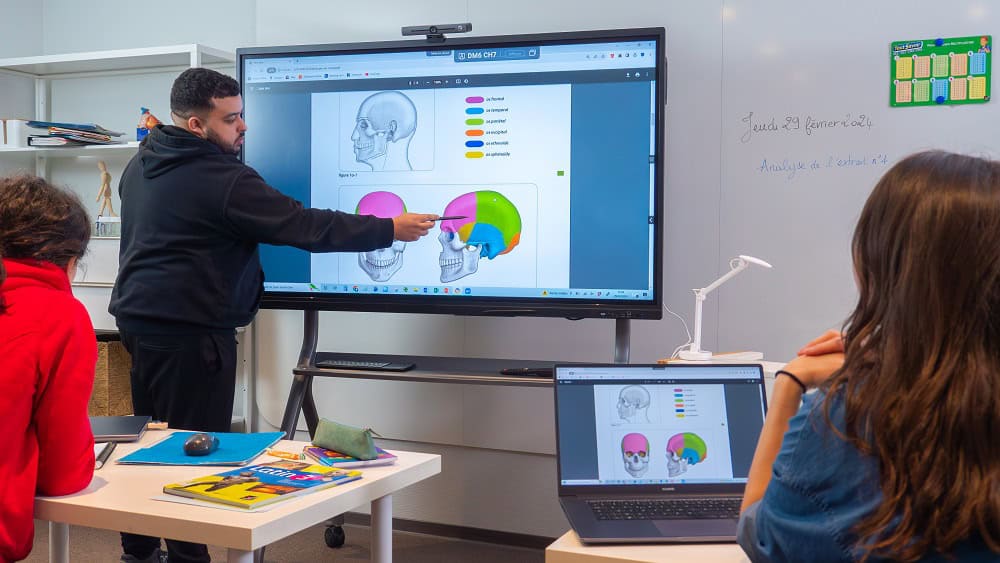
Connect your PC to the Essential interactive display and share your screen with your entire class or team using Bytello Share.
Automatic note-taking
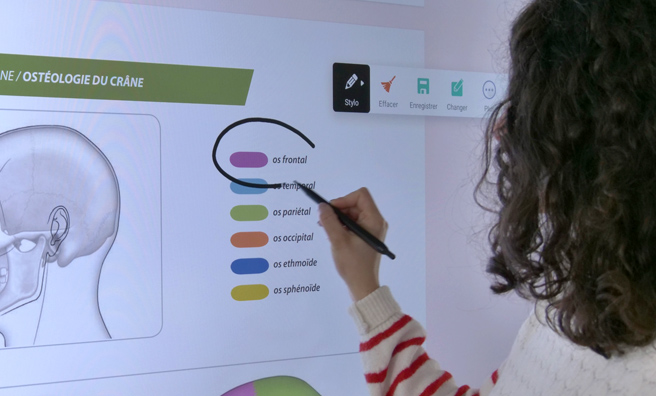
Simply place your stylus on the screen to activate annotation on any displayed content (a web page, a document, etc.).