Because Speechi Connect is a constantly evolving product, today we are bringing you Version 2.6, which adds even more features and security to our flagship solution.
Let’s take a look together at what’s changing in this new release.
What’s included in this update:
For administrators
- Redesigned playlist management (↓)
- New Applications module (↓)
- Enhanced options for Messages (↓)
- New inactivity settings (↓).
First of all, on the Administrator side:
The Playlists system, which allows you to create Digital Signage presentations to run during your screens’ inactive periods, has been redesigned for simplified management and synchronization across a large number of screens. It is now easier to assign your presentations to multiple screens by adding them directly to your Workspaces in the Display section. (↑)

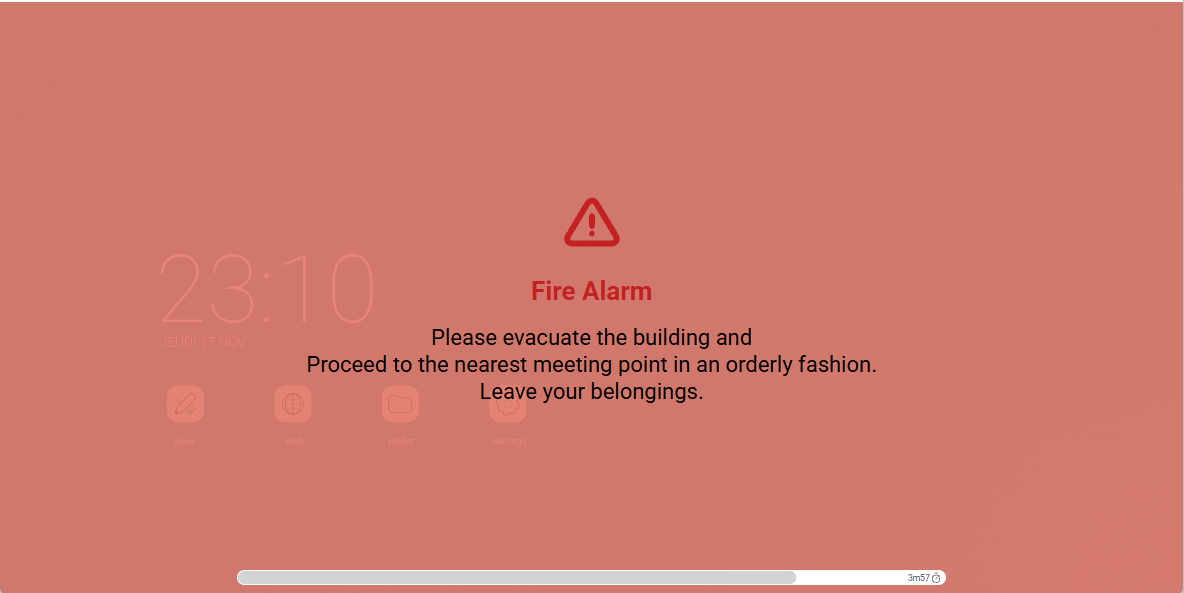
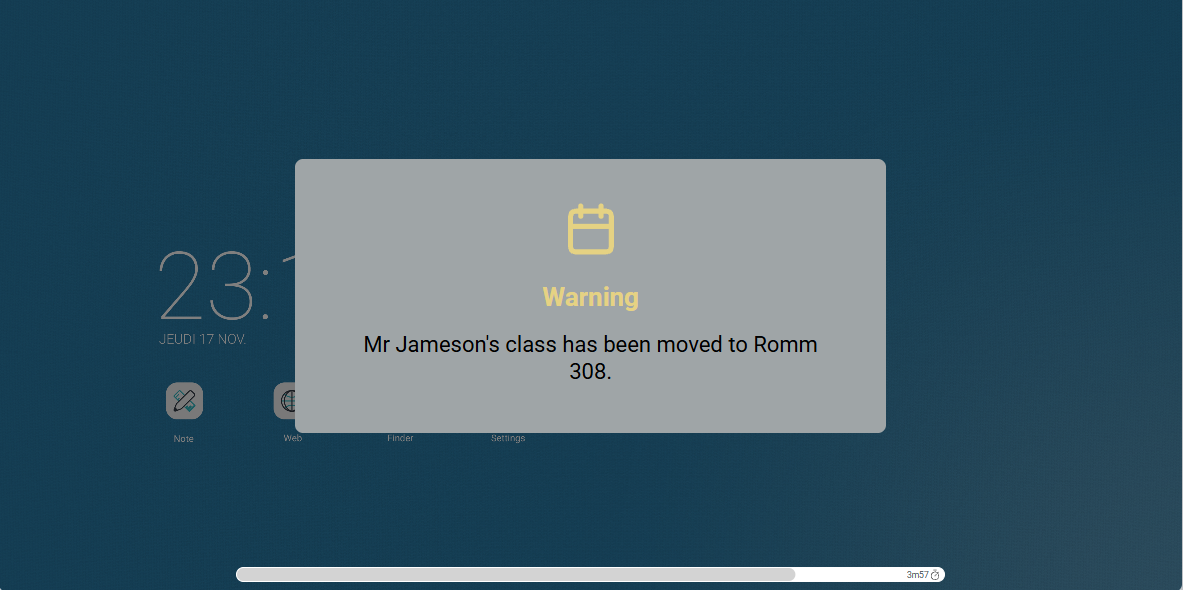
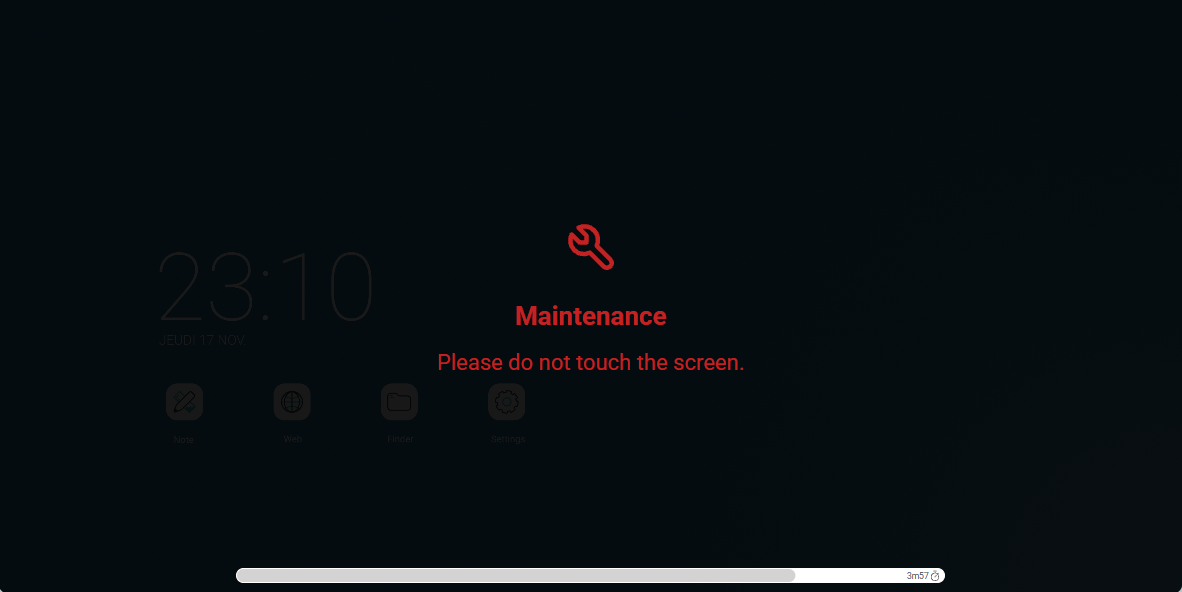
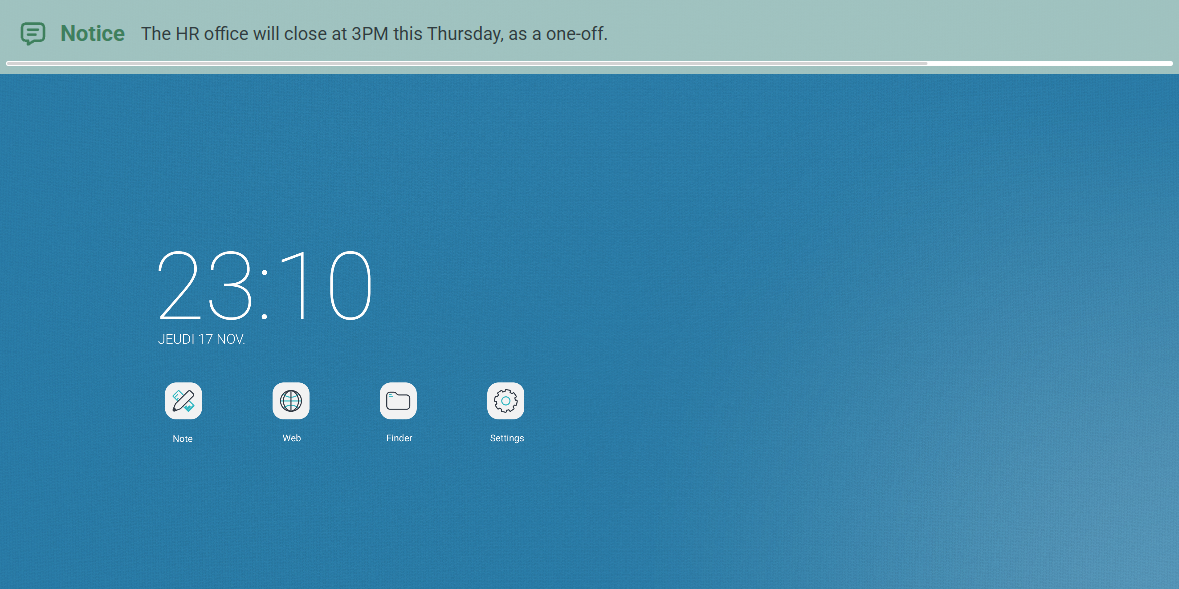
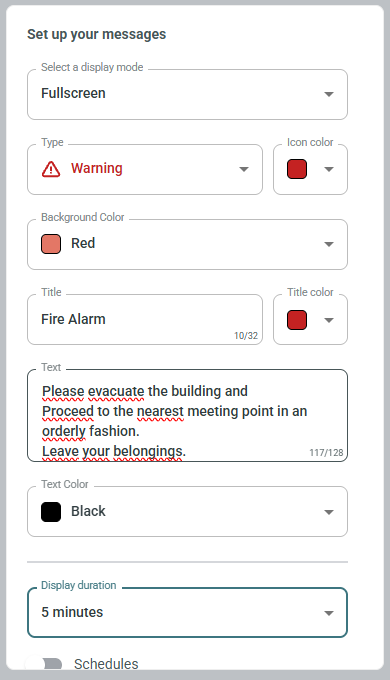
The Messages module has also been improved with new categories, new icons, and new options, allowing you to fine-tune the personalization of your screen communications (alert messages, information banners, etc.). You will also find options to customize colors, message display duration, and display schedules. (↑)
And in the management of your screens Settings:
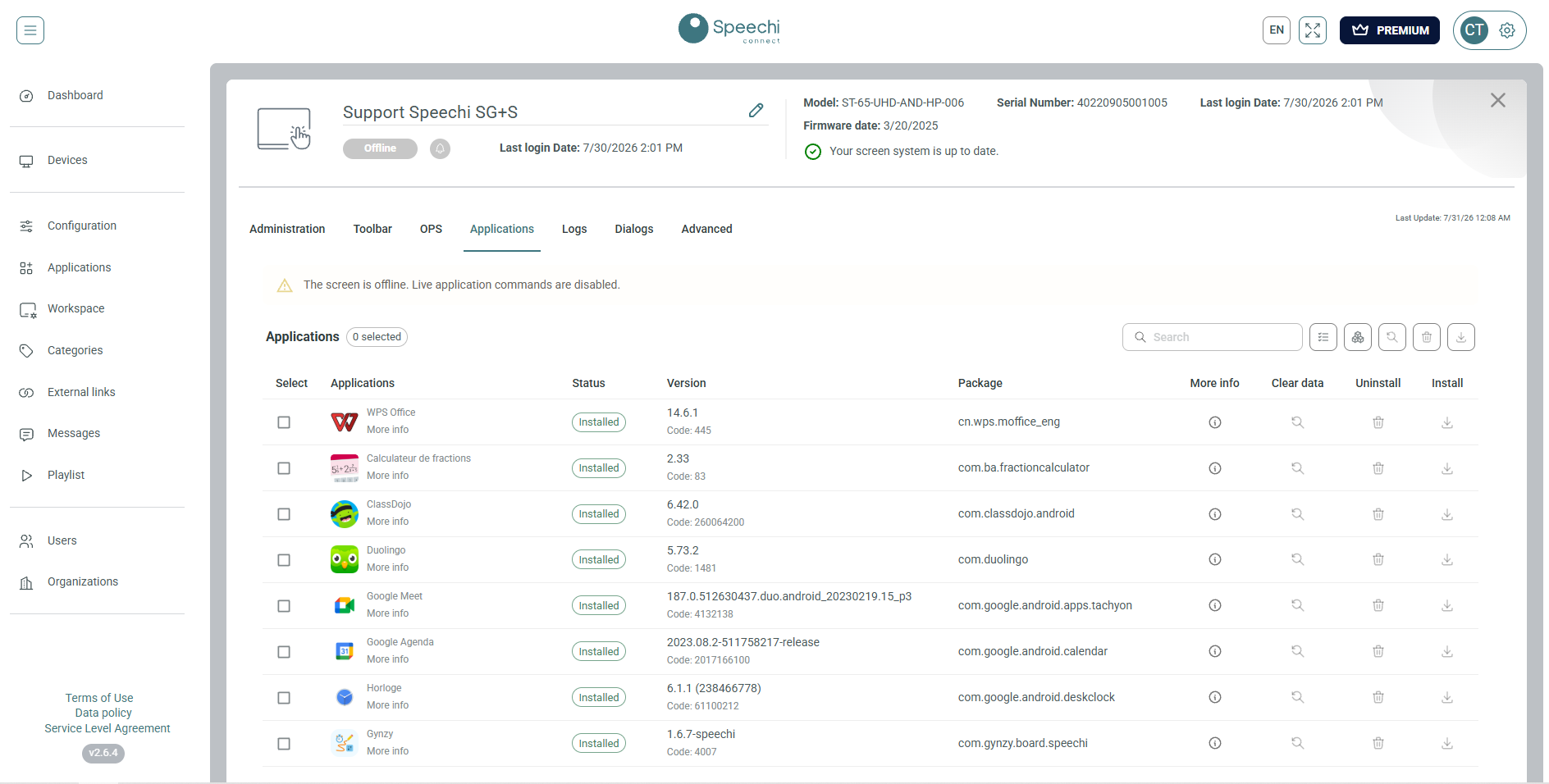
App management has also undergone some changes. You now have the ability to remotely uninstall applications, clear app caches, and check the installed version. Furthermore, you can now install and uninstall entire lists of apps in just a few clicks. (↑)
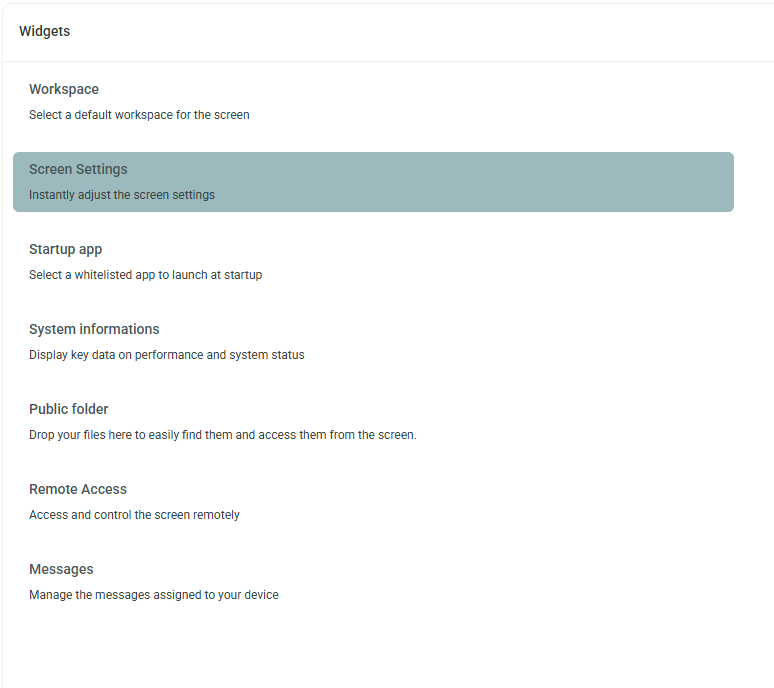
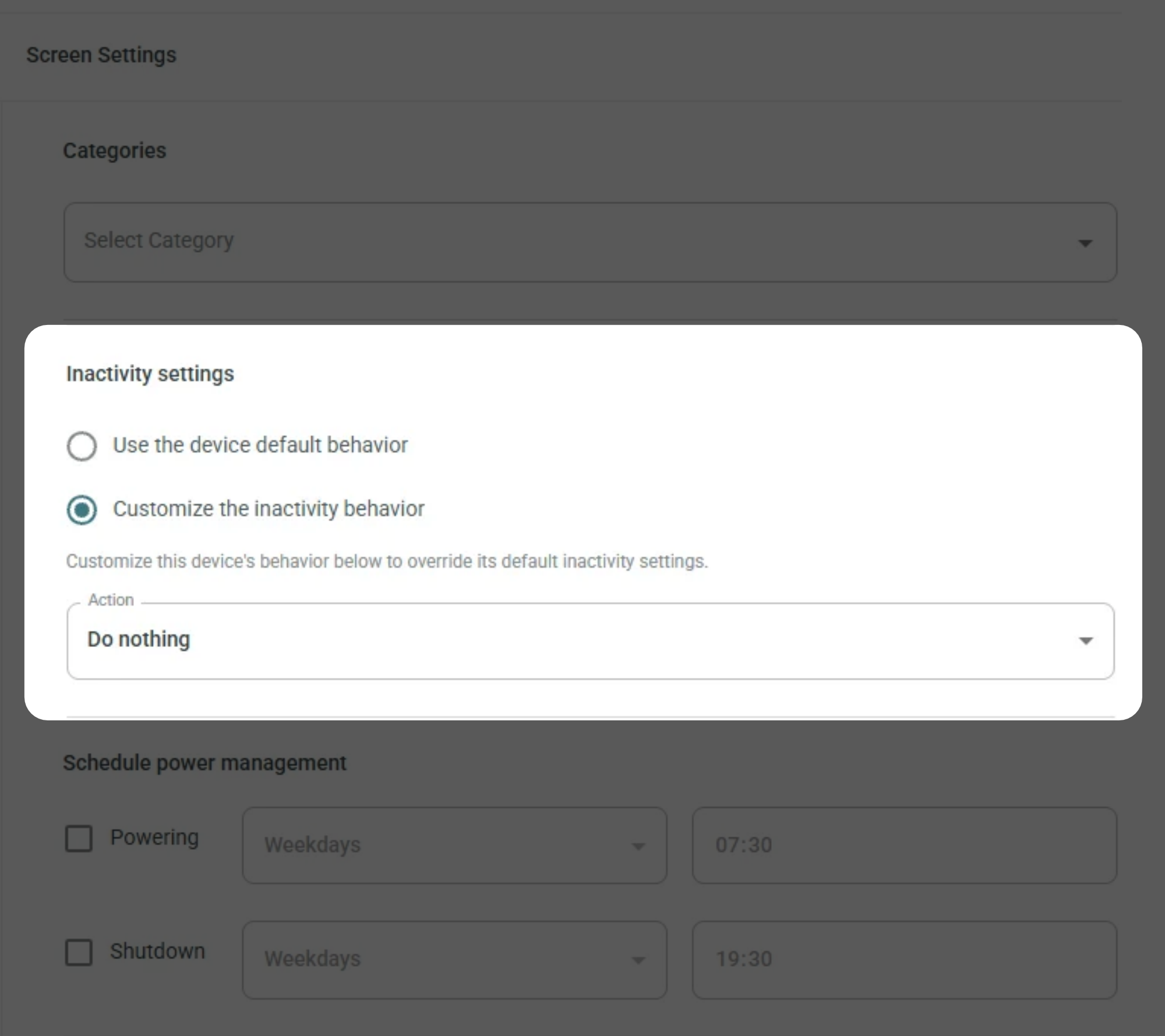
New Inactivity Settings have also been added. Notably, you will find the ability to schedule the backlight to turn off, lock the screen (with or without a passcode), or set up a screensaver (from a Playlist) when your screen is not in use. You can also configure activation delays for each of these settings. (↑)
And on the User side:
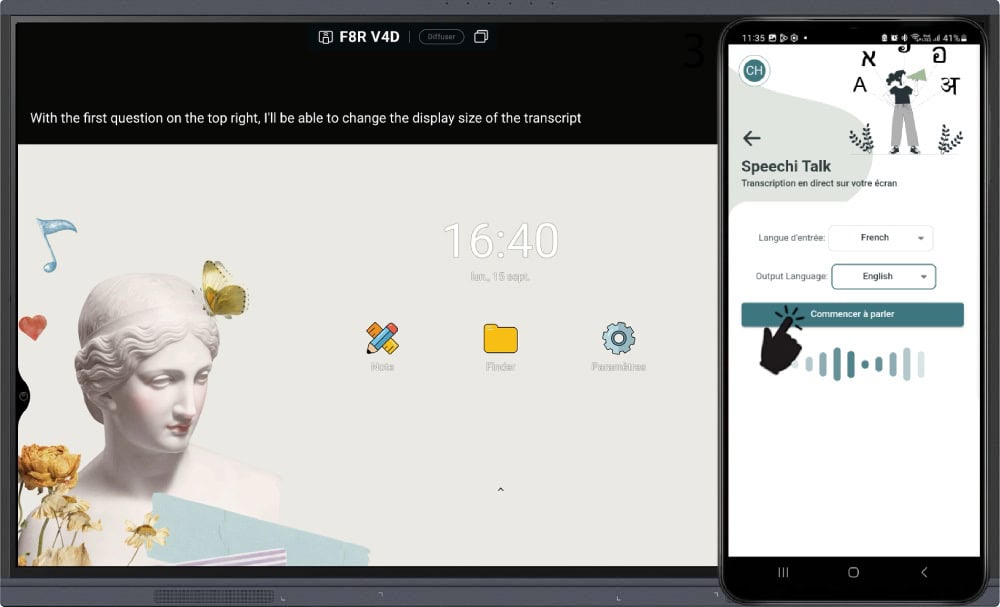
The Speechi Talk feature has also seen improvements, as it now allows you to keep your device (mobile phone or tablet) unlocked for the entire duration of use, preventing your translation from abruptly ending during your presentations. (↑)
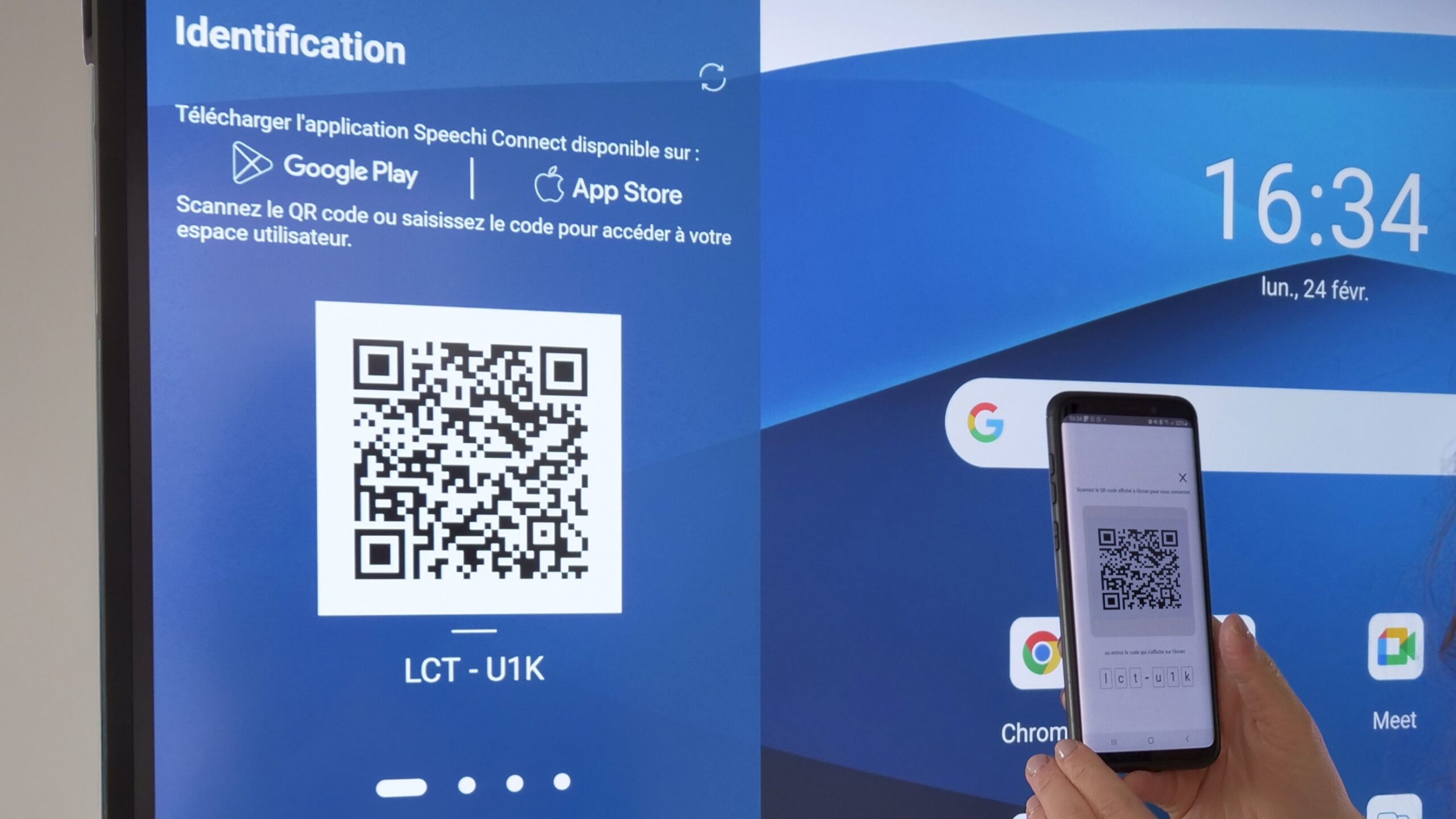
Finally, you can now enjoy improved compatibility, with the app’s support extended to all devices running Android 17. Furthermore, authentication has been simplified, and your login and password details are now pre-filled on the mobile and Companion login pages. (↑)
More articles on Speechi Connect
- Tailor-made workspace and digital signage: all about the “Speechi Wave” update
- Nextcloud on Speechi Connect
- Speechi Connect 2.0: Boost Your Potential with Speechi Connect
- Speechi Talk for Your Allophone Students in Class
- Speechi Connect : The new way to do interactive screen control for Business and Education
- Interactive screen workspace : how to customize your environment with Speechi Connect !
- Education MDM : Control your interactive whitebords from a distance !
- Talk, Stream & Vault: The 3 New Speechi Connect Features Coming Soon to Your Speechi Interactive Display
Need more information? Interested in Speechi Connect?