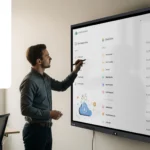
A few days ago, your screens and your Speechi Connect ecosystem were updated to welcome the new Speechi Wave launcher, a tidal wave that breathes a breath of fresh air and modernity into our solution!
With this new Speechi Connect update, your home screen transforms into a truly customizable workspace for the user, and a digital signage space for the administrator when the screen is not in use.
Guillaume Garret, Technical Leader at Speechi
This is a major update that brings a great touch of modernity to our screens, notably through much more advanced customization options.
The creative home space
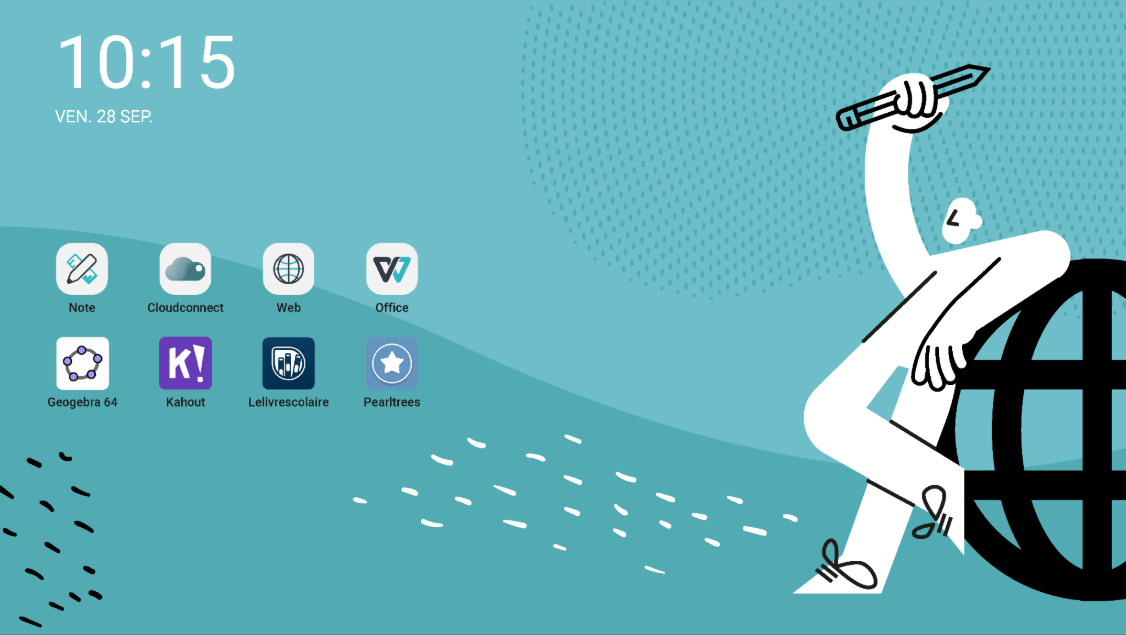
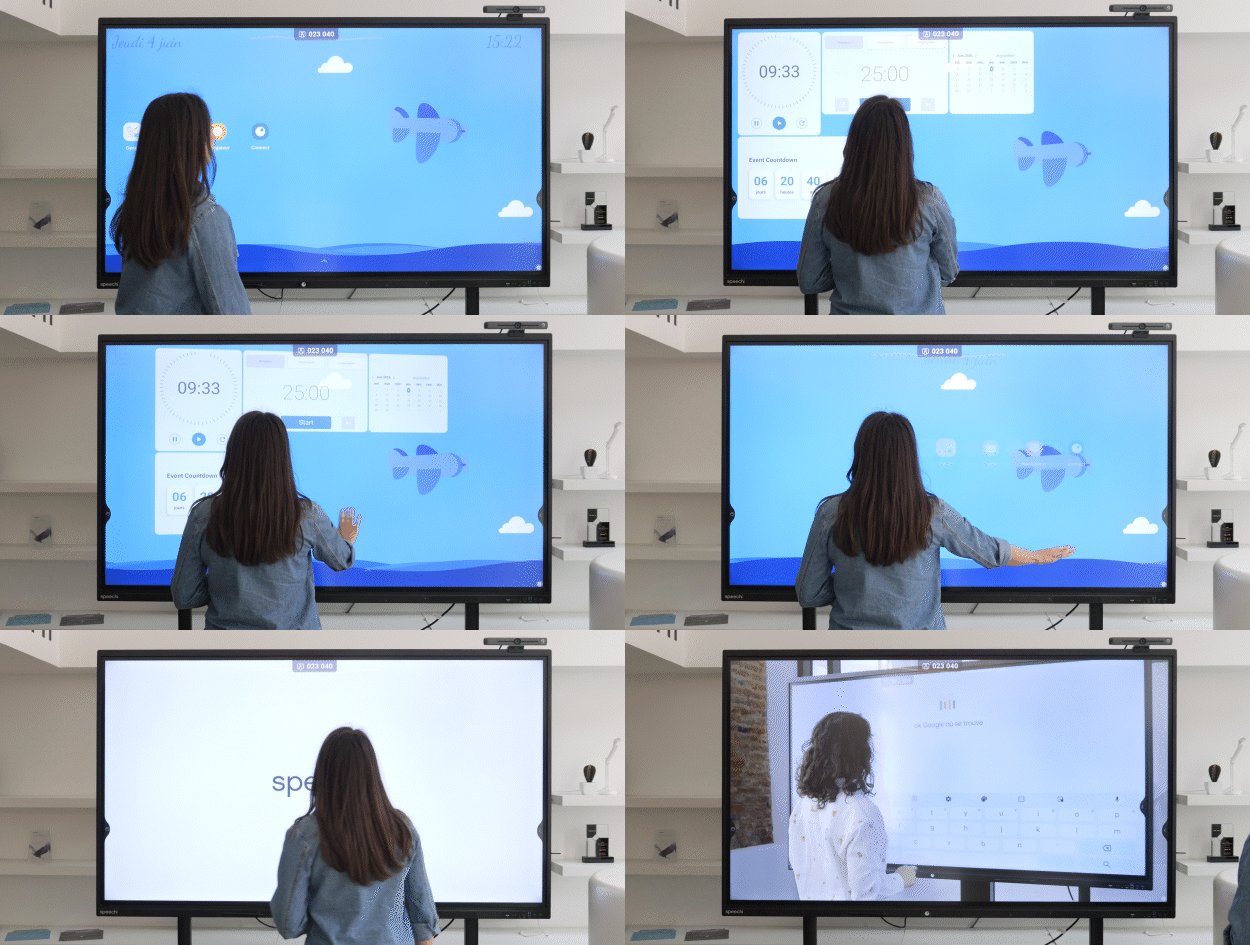
On this home screen, organize your applications and shortcuts as usual, and add some essential widgets (clock, date, etc.).
The free interactive space
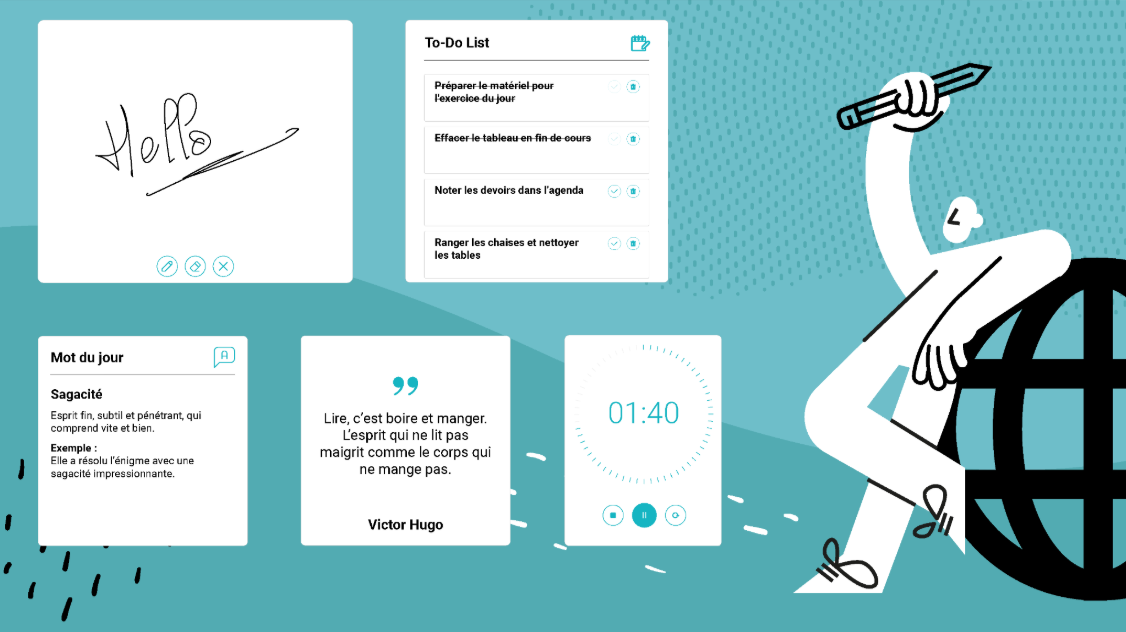
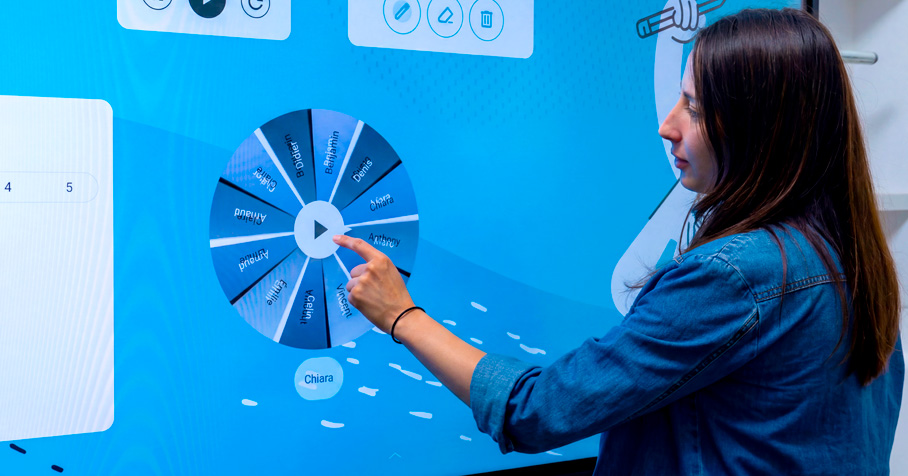
A left swipe gives you access to the new widget space. Insert the tools you will find useful on a daily basis (To-do list, calendar, notepad, etc.).
2. Greater freedom in customization (↑)
The “Workspace” part of your application has been completely overhauled to make the customization process more ergonomic, more comprehensive, and freer with:
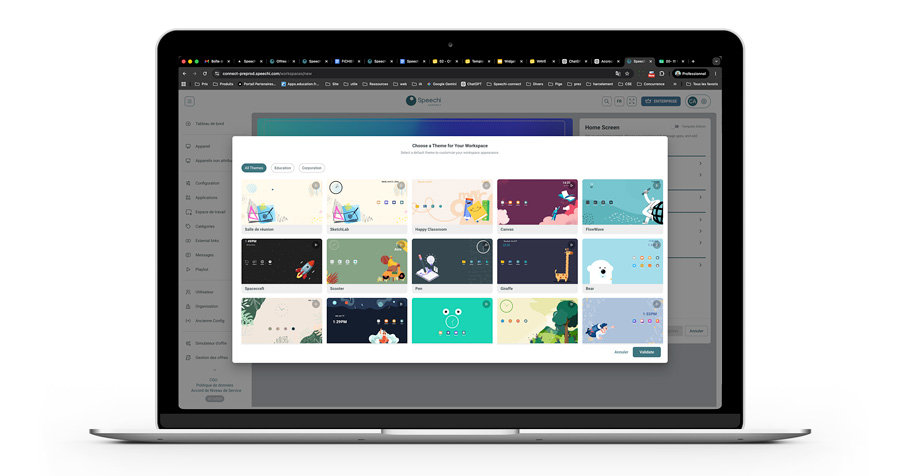
- Templates to start from a clear base.
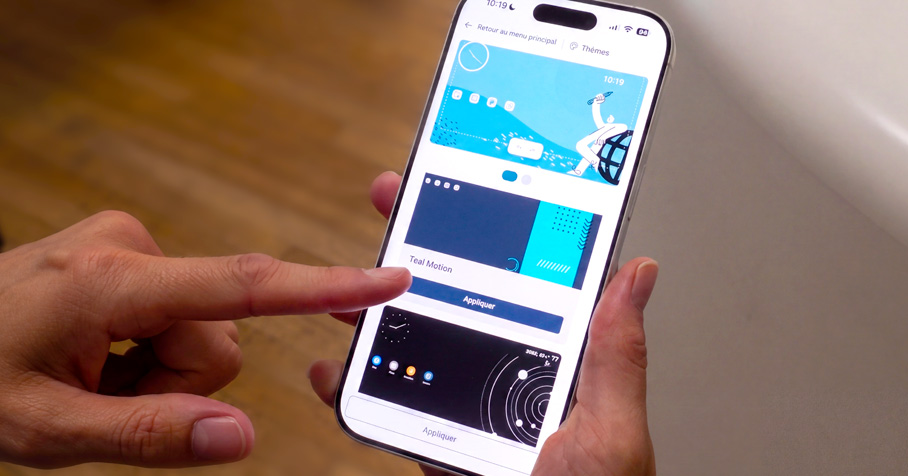
- Themes to harmonize the interface.
- Icon packs to give a visual identity.
- Live wallpapers to make the screen livelier.
- Widgets to transform the workspace into an everyday tool.
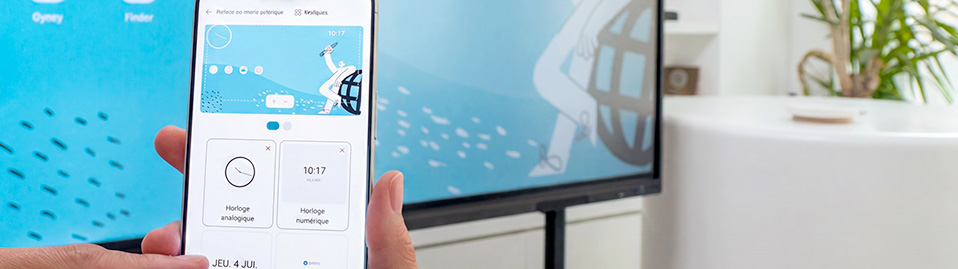
Adjust customization directly on the interactive screen!
This is one of the major new features of this launcher, streamlining the customization process and improving its ergonomics.
- Once logged into your space, long-press the screen and click on “Edit Workspace”.
- A small editing bar appears, and a grid overlays your background to help you compose and organize your workspace.
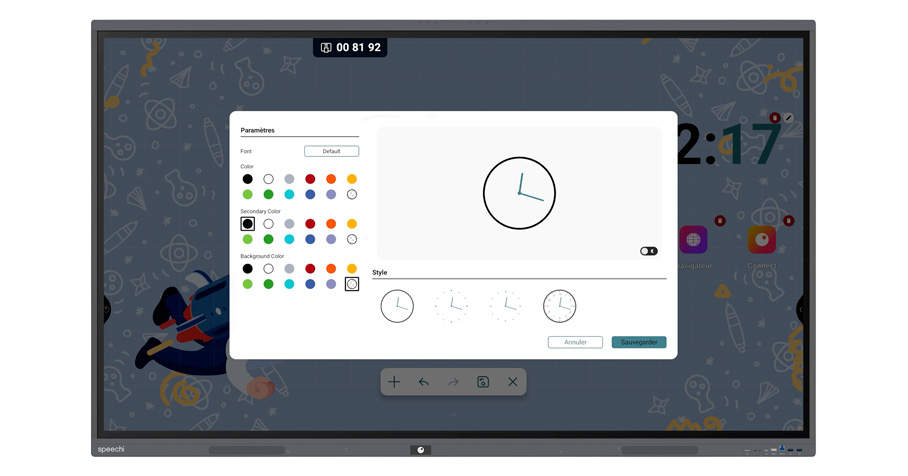
- Move elements with your finger.
- Add widgets.
- Increase or decrease the size of widgets.
- Organize and group your applications.
- Test different live wallpapers.
- Modify the appearance of your widgets.
3. Useful everyday tools with widgets (↑)
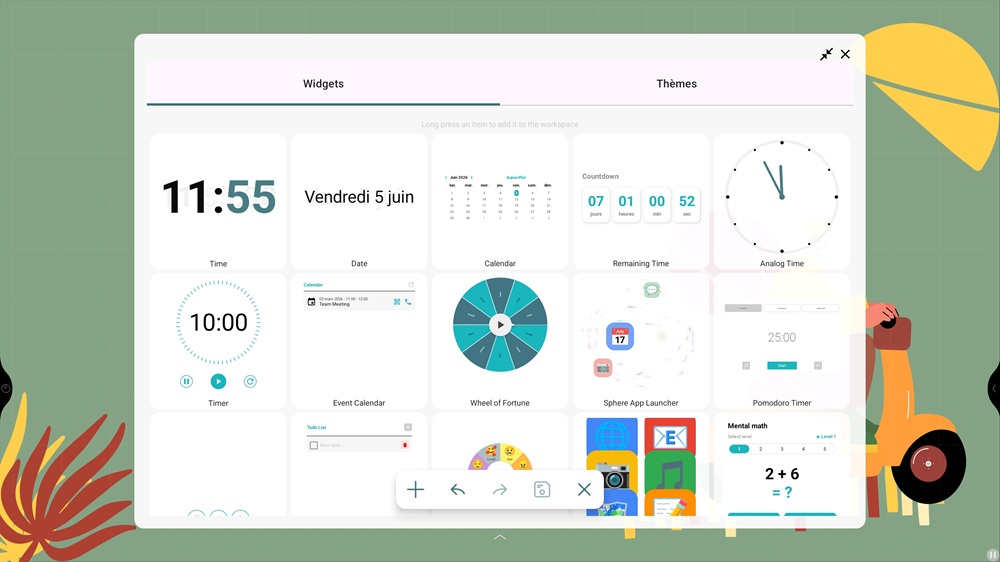
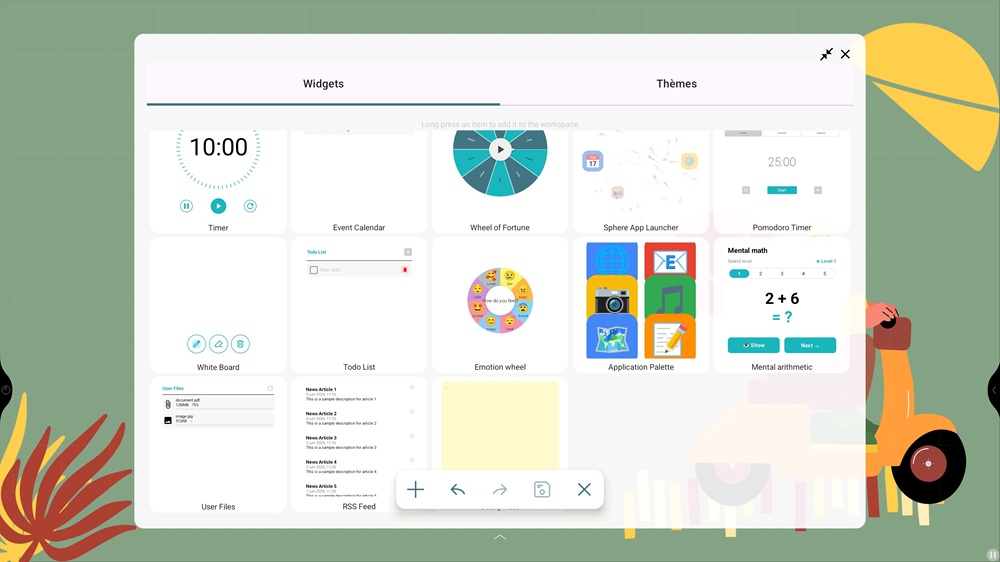
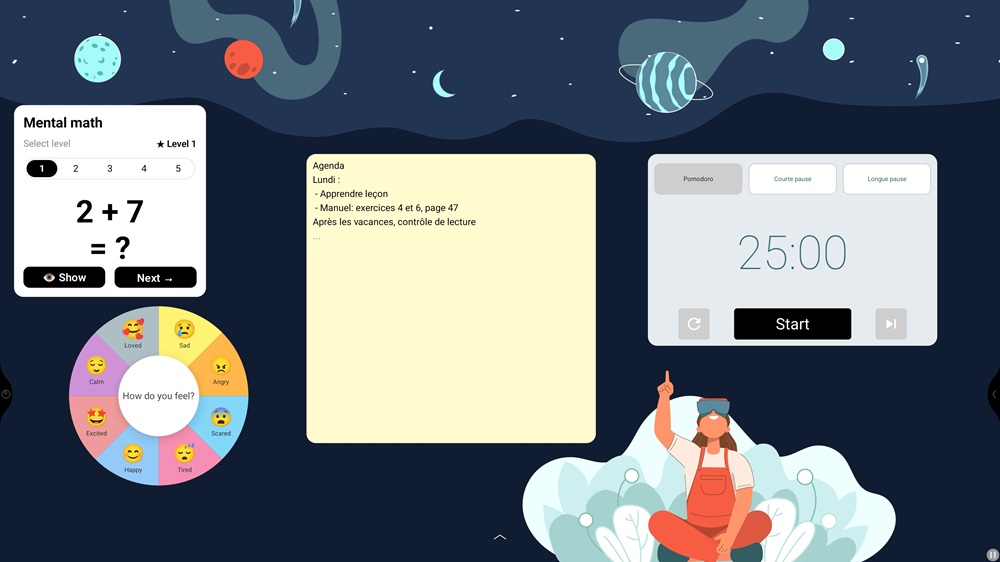
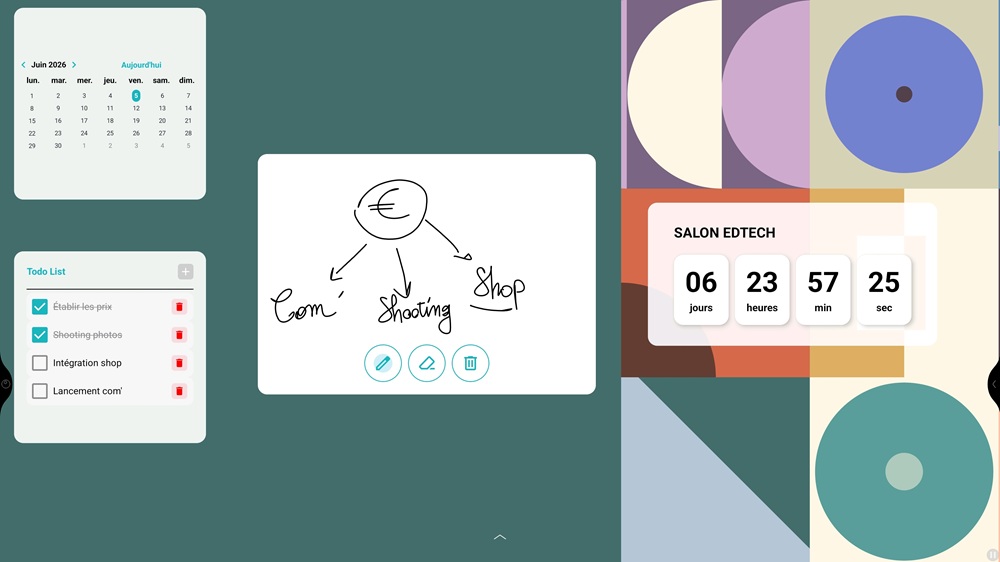
To date, you can find 18 widgets to build your interactive dashboard!
-
Keeping track of time and time management
- Analog and digital clock
- Current date and Calendar
- Event calendar (linked to your Agenda)
- Countdown (e.g., project deadline, organizing an important event)
- Pomodoro*
-
Task management and brainstorming
- To-do list
- Notepad
- Whiteboard
-
Educational rituals
- Mental arithmetic
- Wheel of fortune
- Wheel of emotions
-
Info & tools
- Files
- RSS feeds
- App palette
- …
* Pomodoro: A time management tool to maintain focus and concentration without burning out. It involves working in 25-minute sessions, each followed by a 5-minute break.
Administrator Side (↑)
A display space for digital signage
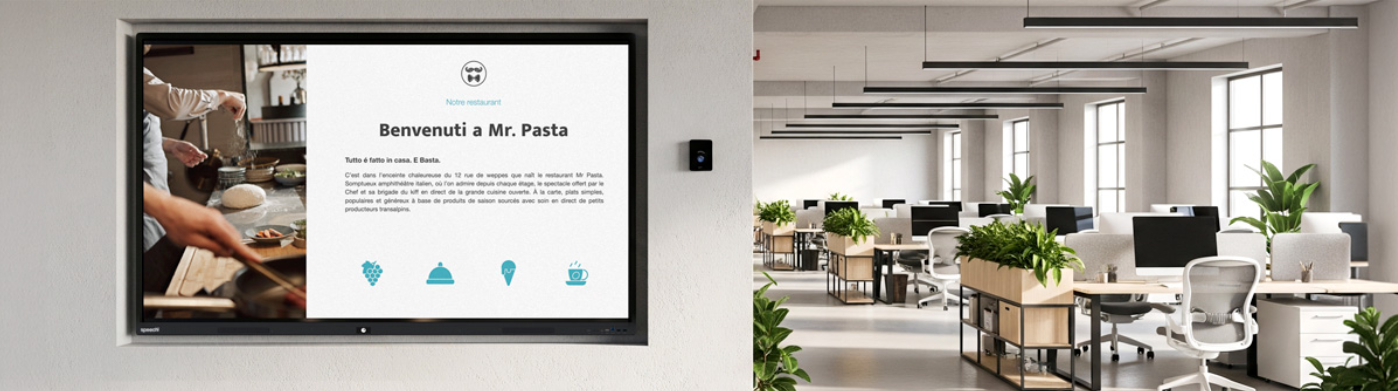
With the Advanced plan, the administrator will now have a new “Display” tab, allowing them to use all or part of the interactive screens in their fleet as a communication channel when they are not in use.
They will be able to launch the playback of videos, images, or even PDFs, taking advantage of their screen fleet as broadcasting screens to communicate information to their audience (company employees, teaching community and students, customers, etc.).
When the screen is not connected to any account, simply swipe right to switch to the display screen.
An evolving experience depending on the plan (↑)
| New features | Starter | Advanced |
| Templates | 5 | Unlimited |
| Essential widgets : calendar, clock, date, timer, logo |  |
|
| Advanced widgets : video-conferencing calendar, user files, to-do list, pomodoro |  |
|
| Educational widgets : mental arithmetic, wheel of fortune, wheel of emotions, whiteboard lite | |
|
| Information widgets : RSS feeds, application dock, , notepad | |
|
| Display space / digital signage (Video, image, PDF playlist) | |
|
In Summary (↑)
What the user gains
→ An even more customizable workspace on the interactive screen.
→ Free yet guided customization to build a workspace quickly and efficiently.
→ Widget tools to transform their Connect environment into a true daily workspace.
What the administrater gains
→ Greater freedom granted to users while maintaining control over the organization.
→ A controlled image of the organization through a panel of templates, themes, icon packs, etc., stemming from an aligned art direction.
→ A new communication channel to communicate across all or part of the interactive screen fleet thanks to the display space.