

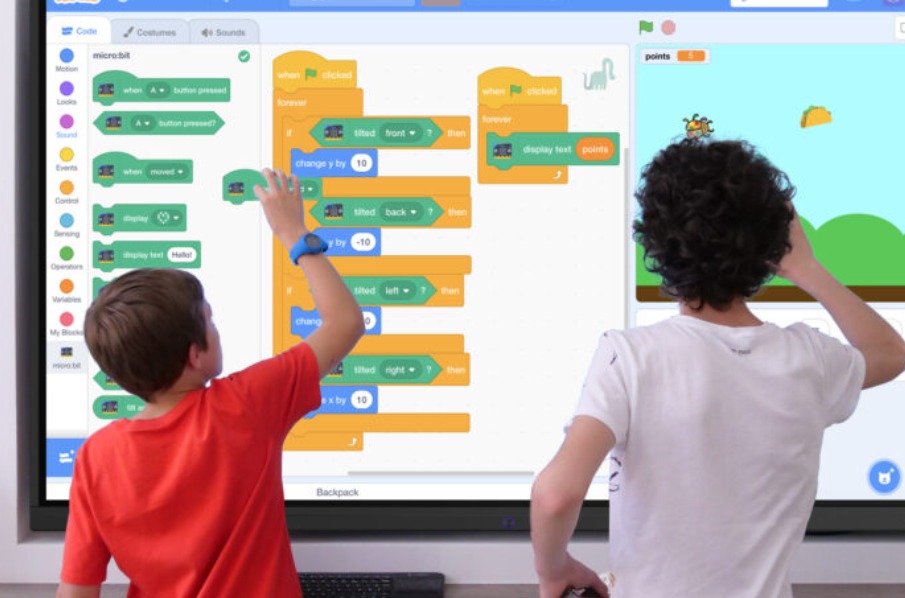
Learn the fundamentals about what an interactive whiteboard is, and how to use one.
What is an interactive whiteboard?
Interactive whiteboards are referred to by a few different names, such as electronic whiteboards, digital whiteboards, and interactive screens. If you are wondering what a digital whiteboard is and how to use one, it can simply be described as a screen that reacts to the movements of a fingertip or stylus.
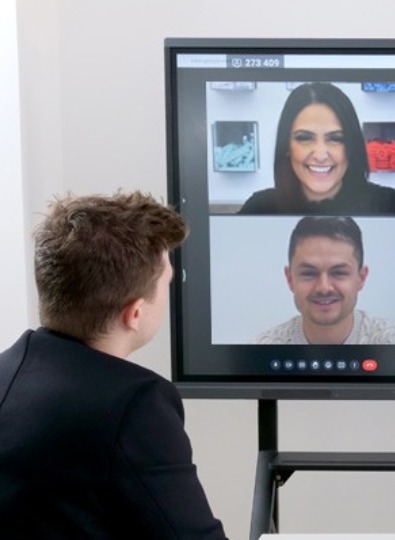
It can be thought of as an enlarged version of a touch-screen tablet, but it differs from a tablet in terms of its size, versatility and power.
In terms of scale, interactive whiteboards are a similar size to plasma-screen TVs. They are also not portable like tablets – so it is important to note that they cannot be carried on-the-go. Speechi offers 6 available sizes in its SpeechiTouch range, running from 43-inch to 98-inch screens.
It also offers a choice of Windows or an Android collaborative work tool for interactive screens, so you can pick whichever operating system interface you prefer.
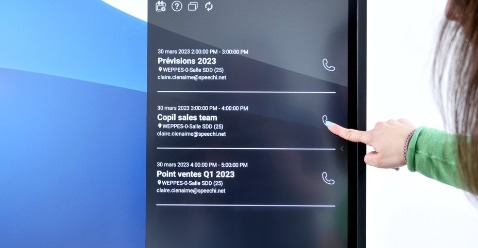
Whereas tablets are designed to handle a single user at a time in close proximity to the screen, interactive whiteboards are made to be used by multiple users at once, and viewed by rooms full of people. With 4K HD screen resolution, a discreet webcam, and state of the art speakers, these displays are perfect for settings such as meeting rooms, museums, or as an interactive smart whiteboard for college and university classrooms.
How to use an interactive whiteboard
On paper, interactive whiteboards may look like a complicated and slightly intimidating piece of technology – but we are here to dispel this common myth. If you have used a smartphone or tablet, you will very quickly learn how to use this kind of device.
Since our interactive whiteboard range is based on Windows and Android operating systems, it is especially intuitive for users – in fact, you will most likely already be familiar with how to navigate it.

Like a tablet, an interactive whiteboard does not require any prior configuration or calibration. Simply switch it on, and you can get started using it. This is what makes them so versatile. They can be used just as easily by business executives, university professors, and even educators teaching in nurseries with a digital interactive whiteboard.
Some screens offer up to 20 simultaneous points of contact, so they are specially designed for multiple people to interact with them at once. Users can also install software suites with applications that are specially designed for smart whiteboards – such as Iolaos, which aids users in building interactive presentations and lesson slides.
The advantages of Speechi interactive whiteboards
- Robust but light touch-screens. Our electronic whiteboards are designed for optimal use in classrooms and other group spaces, such as waiting rooms and museum exhibitions. The monitors are sourced from the most reputable brands on the market (e.g., LG, Samsung), and have a lifetime of 50,000 hours. To put that into perspective, they will last for 30 years with 8 hours of use per day. In short, Speechi integrates the very best display technology – and with the majority of hardware components made of aluminium, SpeechiTouch touch-screens are some of the lightest options on the market.
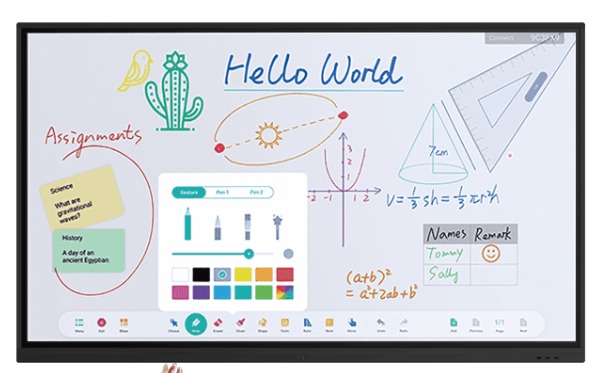
- A solid metallic frame. Each SpeechiTouch interactive whiteboard has a solid aluminium frame fixed to its chassis. This anti-shock frame is specially designed to protect your screen and its integrated infrared sensors against knocks, dents, shattering and damage.
This means the interactive part of the touch-screen is not fragile, since it is protected effectively without blocking the sensitivity of the glass. - Clear displays, even in broad daylight. Most LED screens are obscured by the mixture of artificial and natural light – but SpeechiTouch screens are equipped with an anti-reflection layer that blocks 99.5% of reflected light.
This makes them perfect for presentations in classrooms and meeting rooms, since audiences can see clearly without users having to pull curtains closed or blinds down.
