

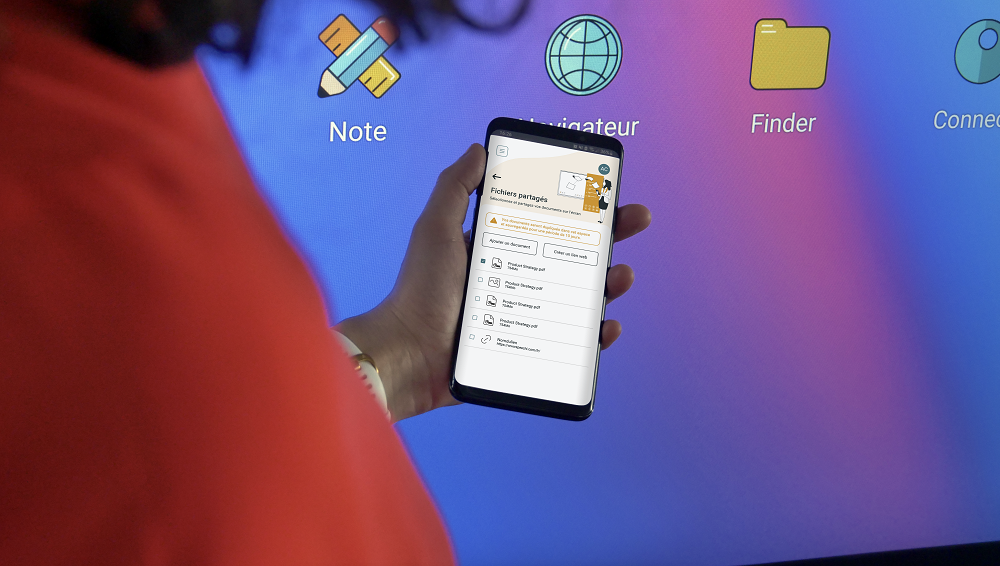
As a teacher or a professional, have you ever wondered what it would be like to remotely control an interactive screen and to have it constantly connected to your Smartphone ? Well, now it is not only possible, but also extremely simple et intuitive thanks to Speechi’s latest software solution, “Speechi Connect”. It fully transforms any user’s Smartphone into a portable control device to your SpeechiTouch interactive screen or whiteboard. Thanks to its user-friendly App, customize your personal workspace, tweak and manage many settings for optimized and dynamic meeting sessions and classes.
How to use Speechi Connect to connect your Smartphone and interactive screen ?
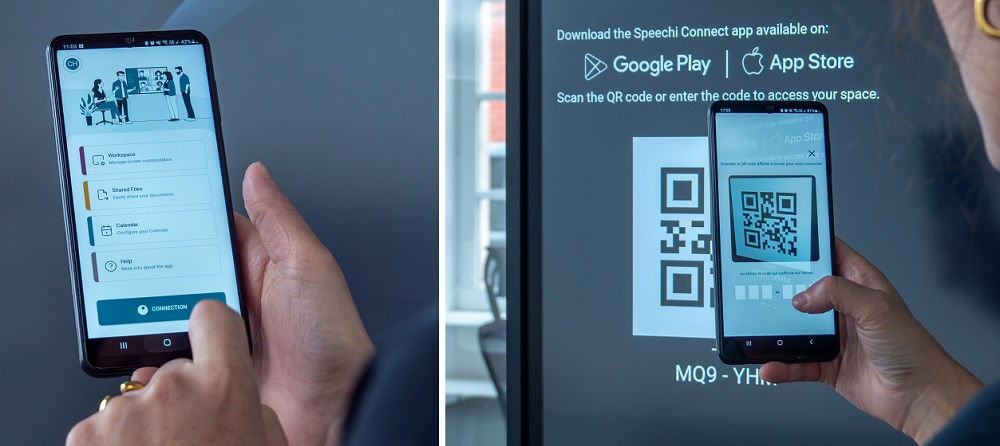
Evidently, users must have a Speechi Connect account and the App installed on their smartphones. In order to fully apprehend the interactive screen through the phone, a login through a QR code scan is required. Once it’s done, the user has the possibility to designate multiple settings that get applied in real-time on the chosen interactive screen or whiteboard.
Besides the fact that the app can act as an intelligent remote control device, users can easily access their cloud storage to upload files directly. Just check out our
Whether you are a teacher or a professional in any type of company, the various capabilities of Speechi Connect make it a tool that adapts to your daily needs. This is particularly useful if you are
A complete solution for everyone !
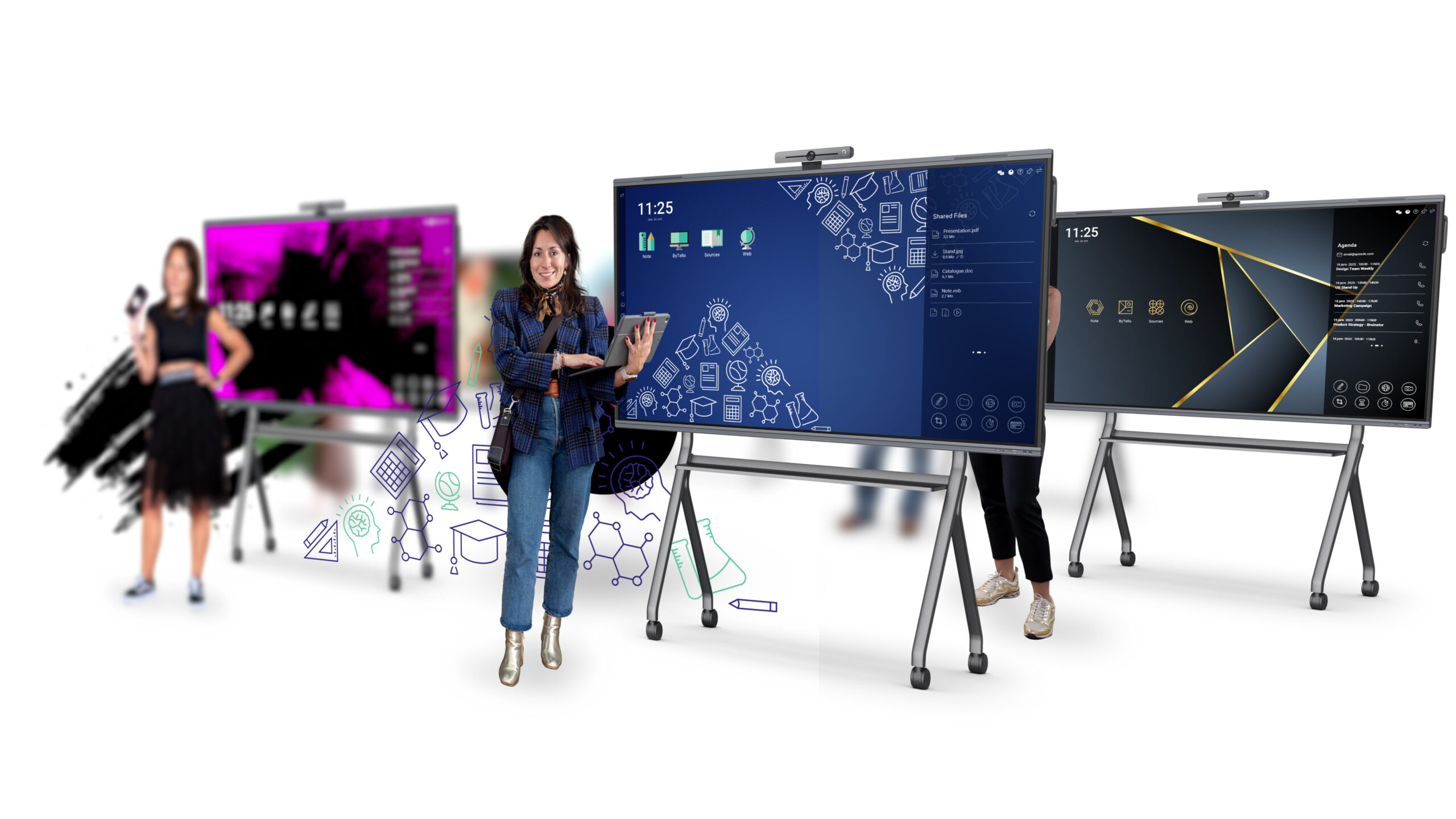
For regular users, the App is compatible with both Android and iOS operating systems on smartphones, while admins manage interactive screens via a dedicated web portal. By clearly distinguishing user roles, Speechi Connect remains intuitive and efficient. Users gain greater autonomy and flexibility, while administrators ensure seamless supervision on the screens.
Either you’re a teacher, student, IT manager for a company, or a regular employee that relies on interactive screen use, Speechi Connect renders the experience on interactive screens and digital whiteboards more intuitive and a lot less likely to encounter technical problems.
Find out more about Speechi Connect and how to organize your IWB workspace on its dedicated page !
 Speechi Connect : The new way to do interactive screen control for Business and Education
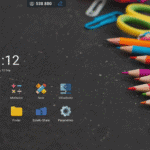 Interactive screen workspace : how to customize your environment with Speechi Connect !
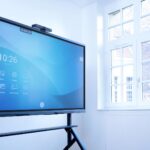 Interactive screen displays and interactive digital displays
 Interactive wall display: 86 inch & 4K Interactive Screen Display
 Speechi Connect, an alternative to screen sharing
